
Digging near buried services
Locate, pothole and dig around services marked on the plan, and some that aren't.
OEM-style joysticks on a seat frame, a model of your site and the hazards that end careers: buried services, a spotter in the swing zone, a trench edge that gives way.
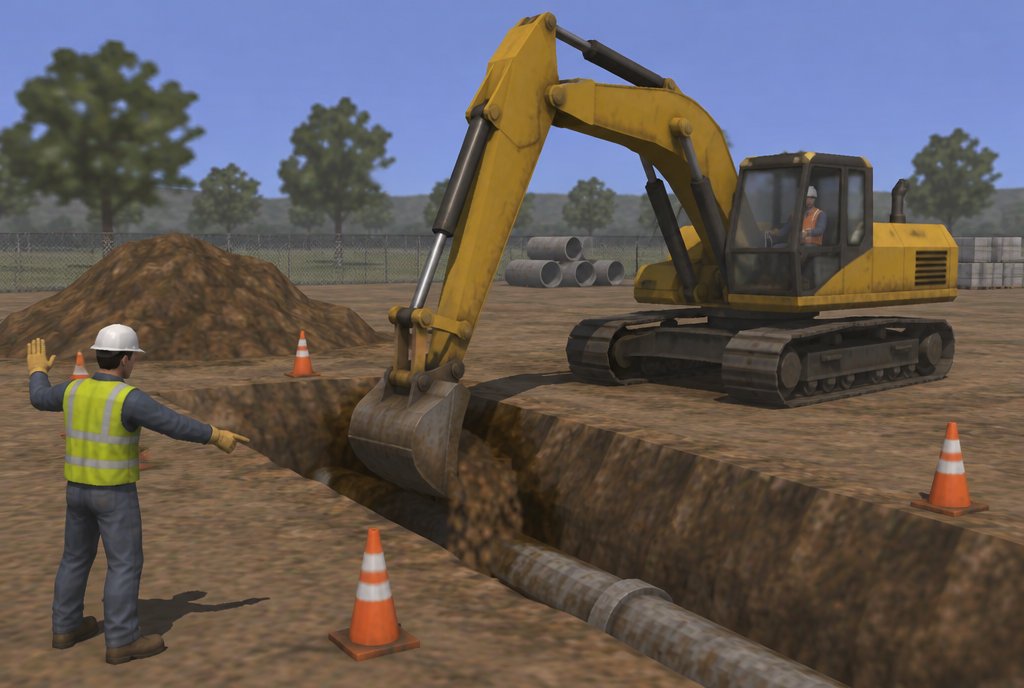
Excavator simulator training puts operators at OEM-style joysticks driving a virtual excavator on a model of their own site. They practise digging near buried services, working with a spotter in the swing zone and keeping clear of trench edges, and the simulator records every strike, near-miss and cycle time.
A service strike or a person caught in the swing zone happens in a second, and the first one an operator sees should not be a real one.
On the simulator, new operators build their control on a machine they can't damage, and experienced operators practise the hazards that rarely appear but matter most.
Examples only. We rebuild each one around your site, equipment and procedures.
Locate, pothole and dig around services marked on the plan, and some that aren't.
A worker steps into the swing radius. Stop, communicate and wait.
Work close to an open trench without loading or collapsing the edge.
Every session can be scored against your own checklist and exported to your LMS or as PDF.
In Australia, excavators don't need a high risk work licence, but operators must be trained and competent, and most sites ask for a verification of competency (VOC). The simulator gives repeatable practice and records you can use alongside your VOC process.
The same excavator scenarios can run on different hardware. We recommend a format in scoping, and many projects use more than one. Each links to the service that builds it.
OEM-style joysticks and pedals on a seat frame, with screens or a headset.
OEM-style controls · Instructor consoleReplica cabs & seat rigs Motion platformWorks wellSlopes, trench edges and the swing felt through the seat.
3- or 6-axis platformMotion platforms Desktop simulatorWorks wellA joystick pair on a desk for control familiarisation at scale.
PC or laptop · Desk-mounted controlsDesktop & portable simulators VR headsetWorks wellSpotters and ground crew see the swing zone from both sides of the machine.
Standalone headset · Works offlineVR training apps Web & mobile 3DAlso possibleDial-before-you-dig and pre-start checks in a browser.
Any browser · SCORM / xAPIDesktop & web 3D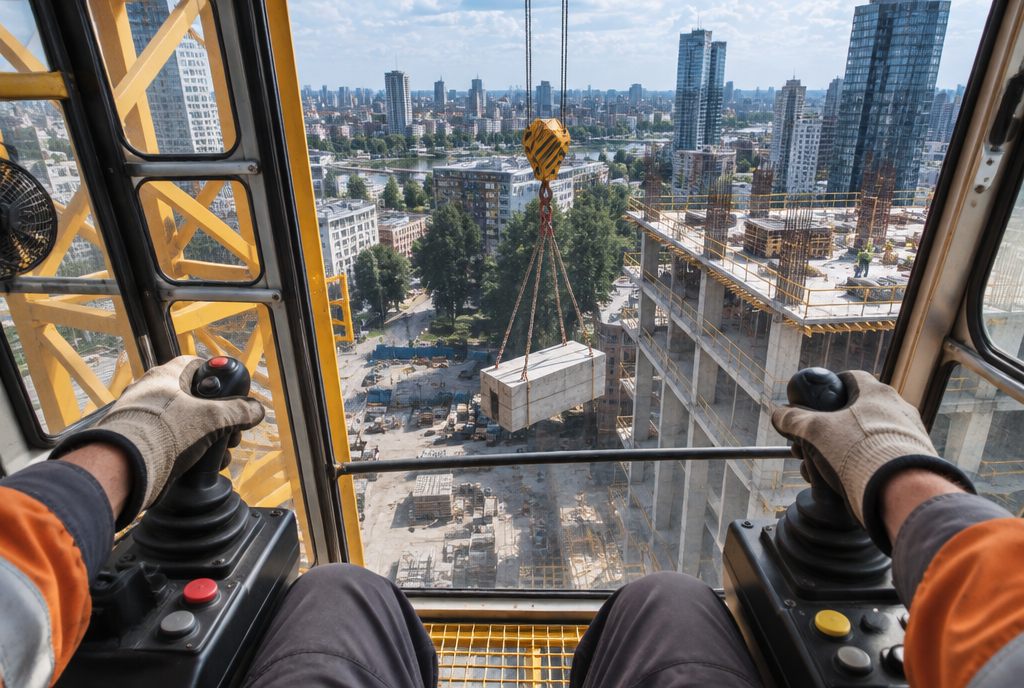
Blind lifts on radio calls, wind and tight slews, modelled to your crane's load chart.
See the example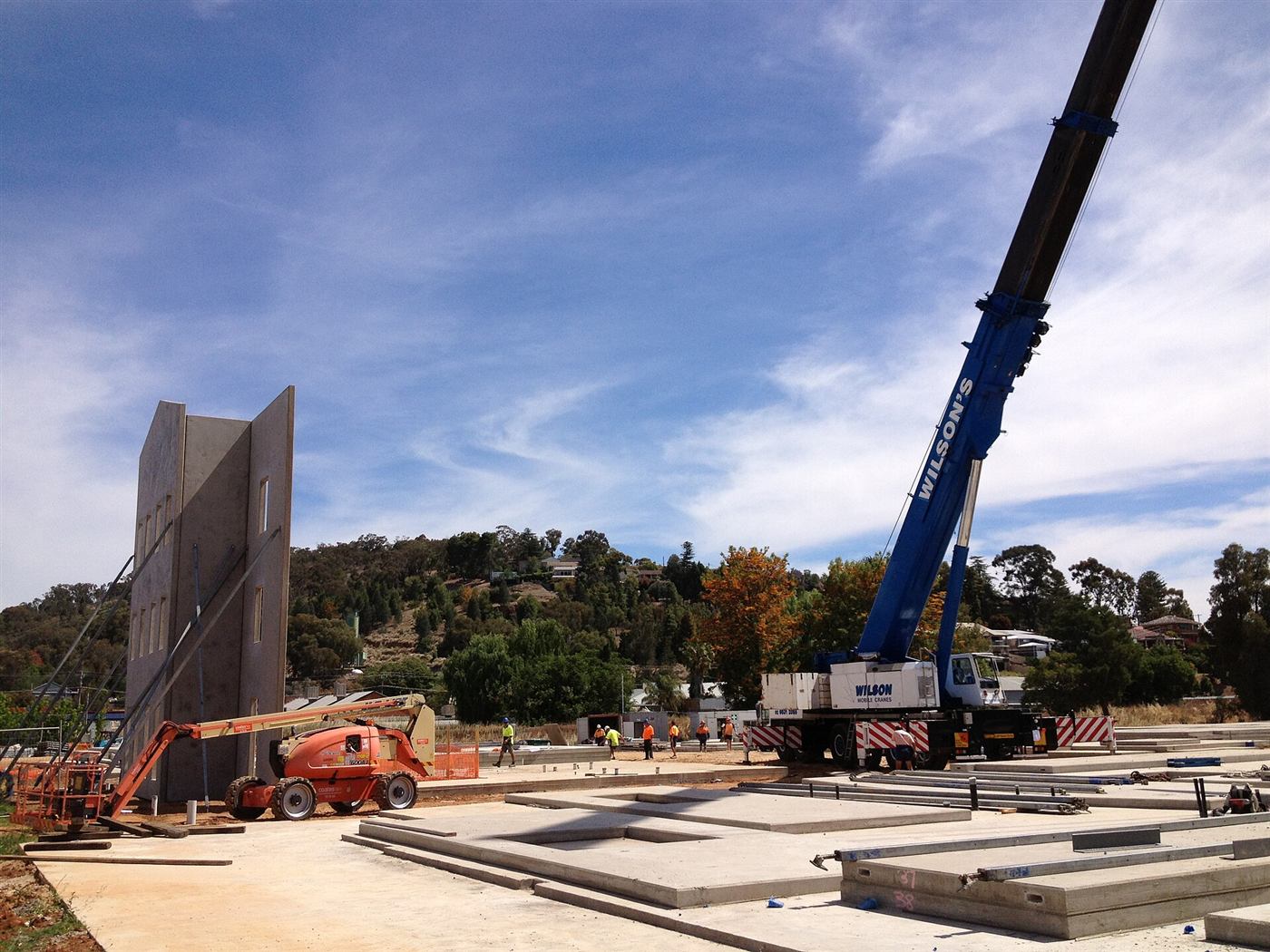
Set-up, outriggers, soft ground and lifts near capacity, from planning to set-down.
See the example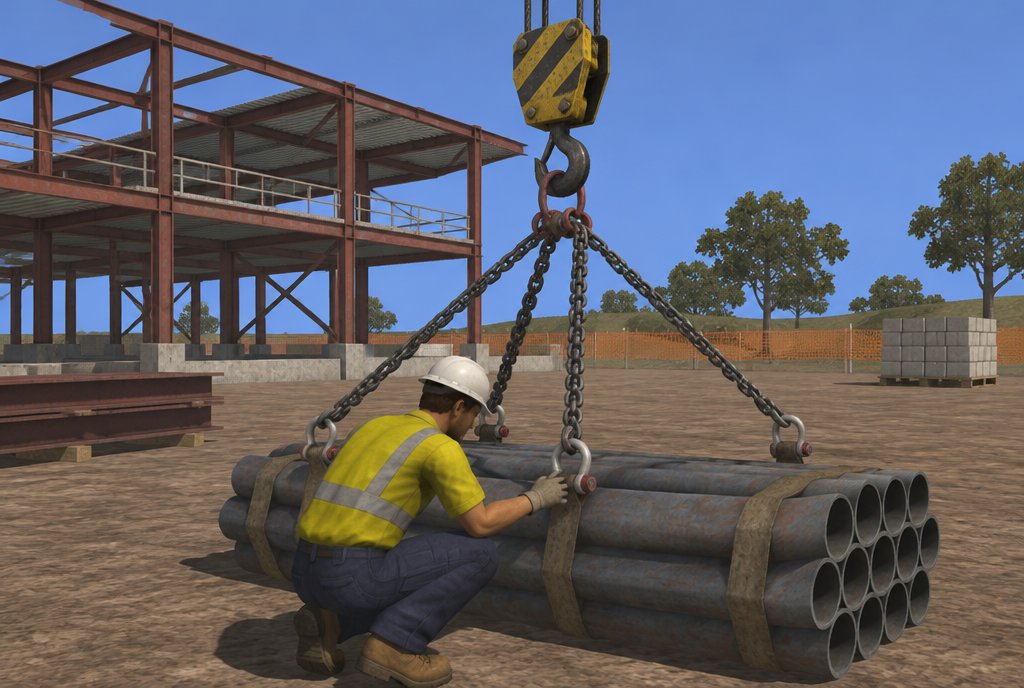
Load estimation, sling choice and the radio calls that guide a blind lift.
See the example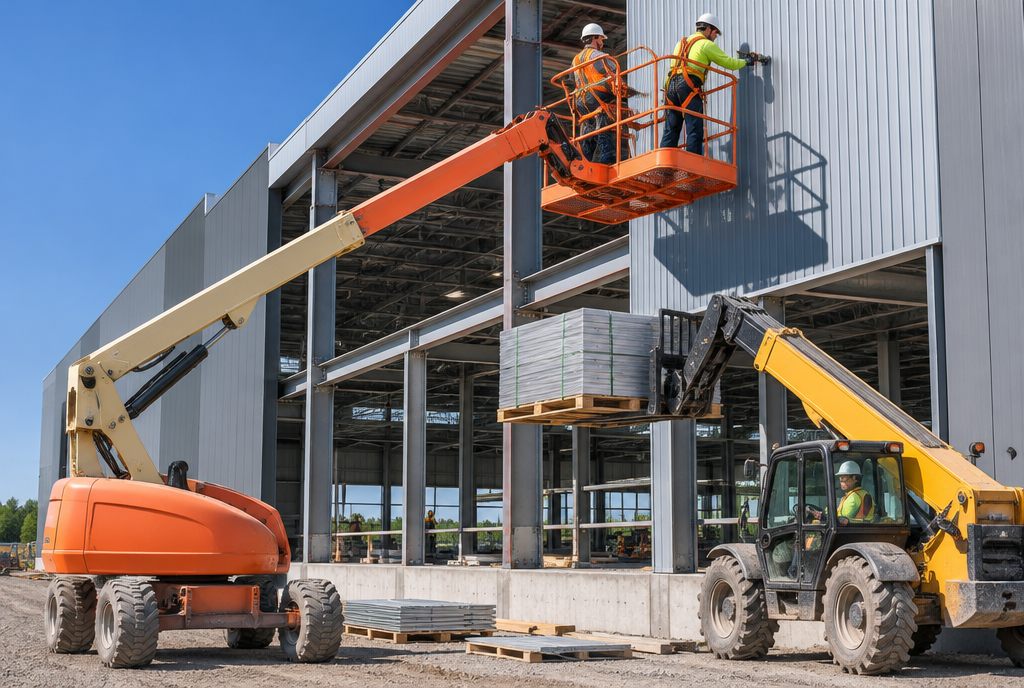
Overhead crush hazards, slopes and outriggers, and power lines.
See the example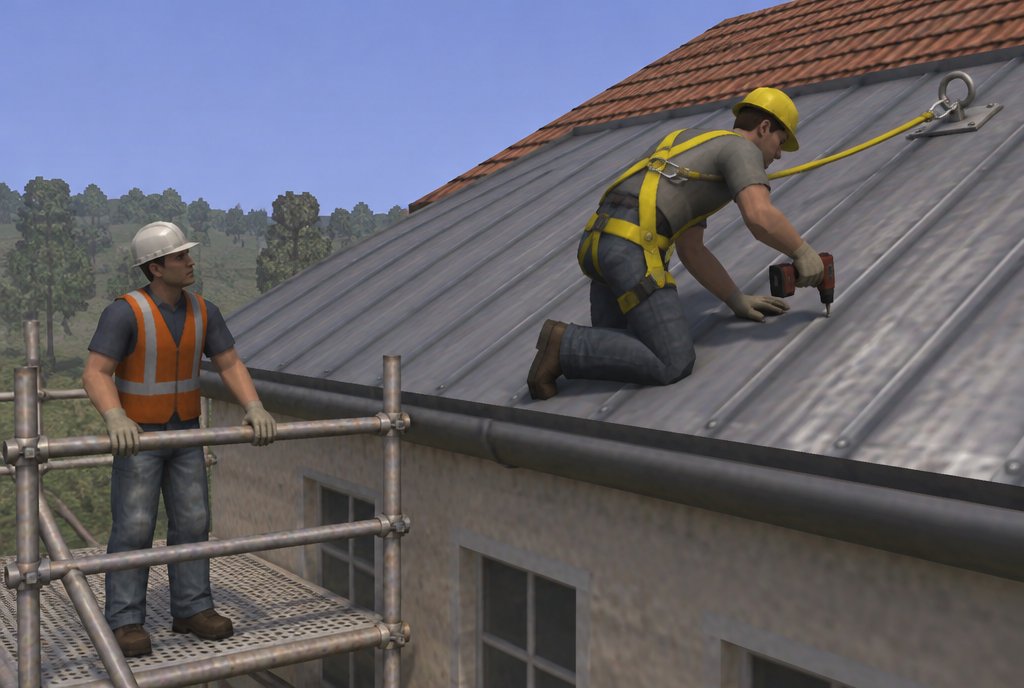
Harness checks, anchor points, unprotected edges and rescue.
See the example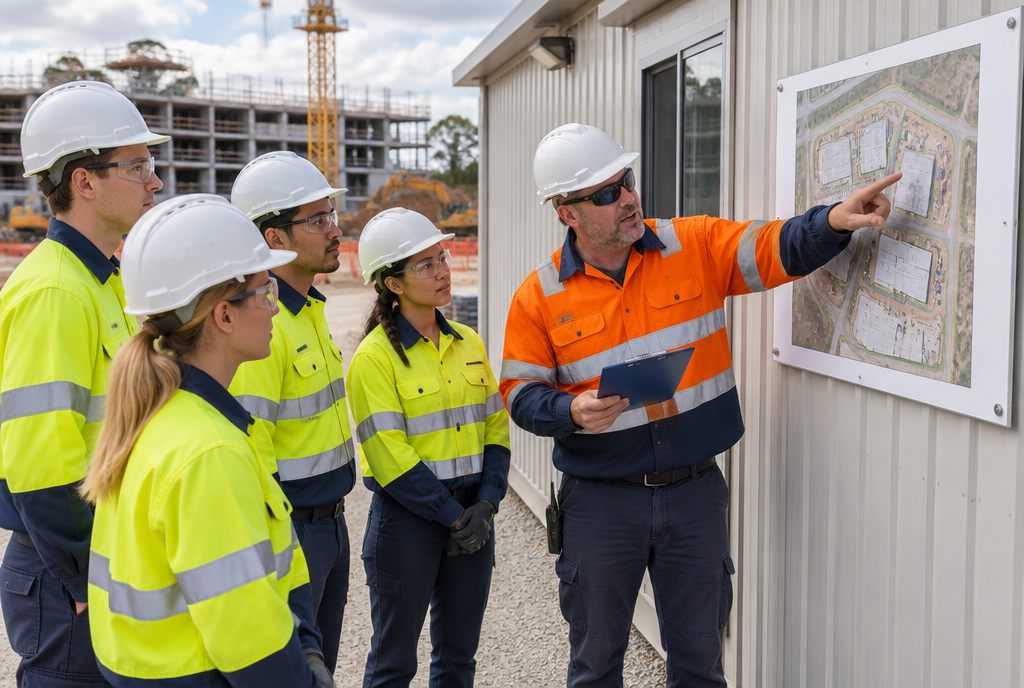
Walk your site before day one and find the hazards where they really are.
See the exampleA first call about what your people face, then an outline of the scenarios, the format and the scoring we would build.
Start a projectExcavator simulator training puts operators at OEM-style joysticks driving a virtual excavator on a model of their own site. They practise digging near buried services, working with a spotter in the swing zone and keeping clear of trench edges, and the simulator records every strike, near-miss and cycle time.
Yes. Control sets follow the joystick patterns your machines use.
Session records show each operator's control and hazard response, which supports, but doesn't replace, an assessor's VOC.
Yes. We import your site and services plans, so trainees dig the ground they will work on.