
Permit and area check
Check the permit, clear combustibles, cover openings and isolate detectors.
Welding, cutting and grinding in a model of your plant. Trades and fire watchers practise the permit, the area check and the smouldering fire that starts after everyone leaves.
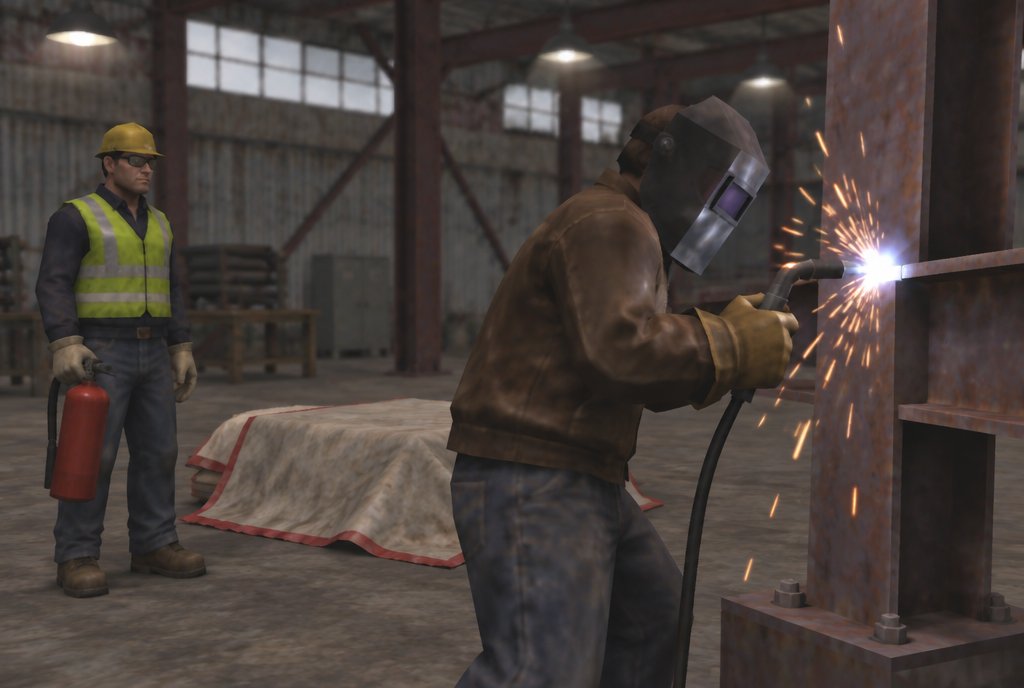
Hot work simulation training puts tradespeople and fire watchers in a model of their own site before welding, cutting or grinding, in a VR headset or in mixed reality with their real tools and PPE. They check the permit, clear and protect the area, watch for sparks travelling through gaps and keep watch after the job, when a smouldering fire is most likely to start.
Hot work fires often start somewhere nobody was looking: behind a wall, under a floor, an hour after the job finished.
In simulation the spark can travel through the gap and the smoulder can start after the tools are packed away. Trainees learn to look where the fire will be, not where the work was.
Examples only. We rebuild each one around your site, equipment and procedures.
Check the permit, clear combustibles, cover openings and isolate detectors.
Sparks fall through a floor penetration. Spot it and stop the work.
Stay with the area and catch a smouldering fire before it takes hold.
Every session can be scored against your own checklist and exported to your LMS or as PDF.
We build each module around your own hot work permit and isolation process, so the steps practised in the simulation are the steps on your permit form.
The same hot work & fire watch scenarios can run on different hardware. We recommend a format in scoping, and many projects use more than one. Each links to the service that builds it.
Your plant at full scale: sparks through gaps and the fire watch afterwards.
Standalone headset · Works offlineVR training apps Mixed reality (XR)Works wellReal tools and PPE, with virtual sparks and smouldering material.
Passthrough headset · Real equipmentMixed reality (XR) training Web & mobile 3DWorks wellThe permit and the area check as a pre-start module.
Any browser · SCORM / xAPIDesktop & web 3D Desktop simulatorAlso possiblePermit-issuer scenarios on a PC.
PC or laptop · Desk-mounted controlsDesktop & portable simulators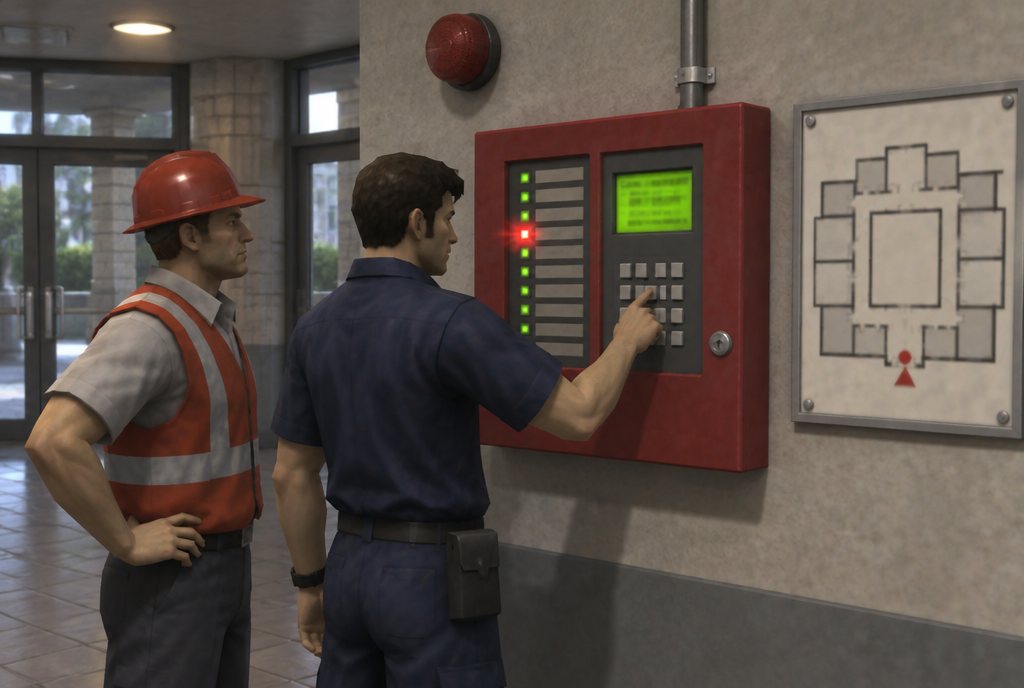
Alarms by zone, isolations, faults and resets on a virtual copy of your panel.
See the example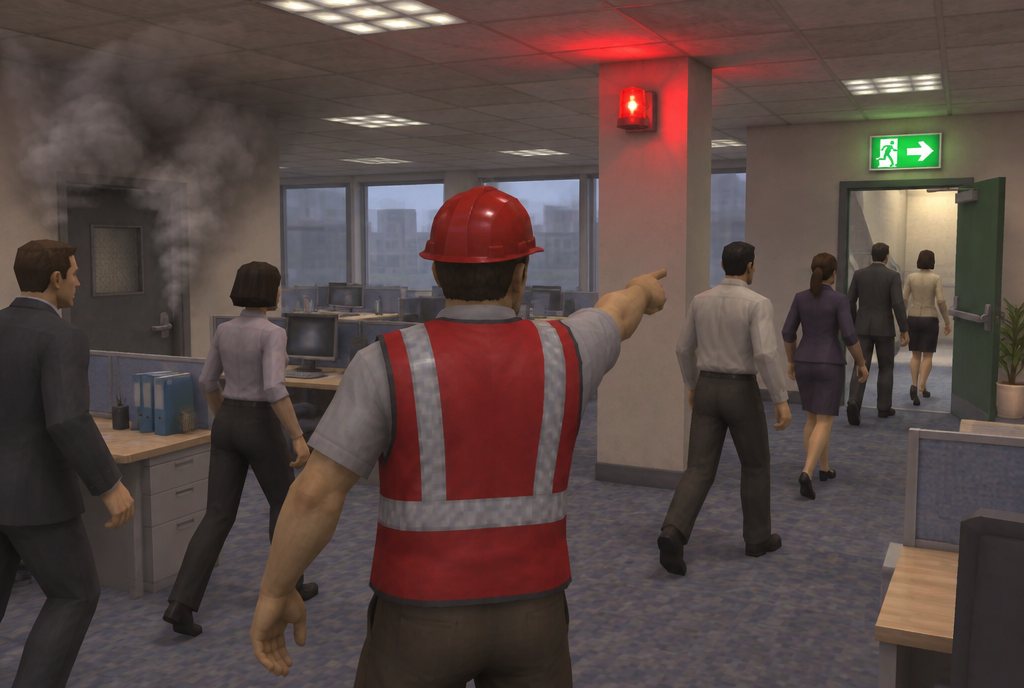
Evacuations with a blocked stair, people who need help and the headcount.
See the example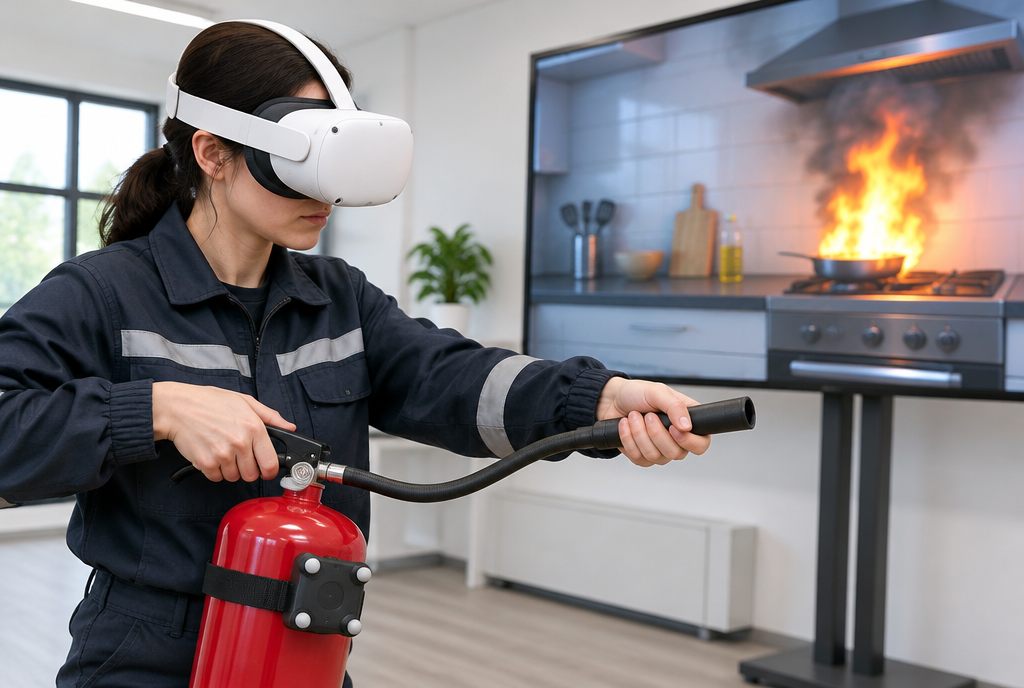
Choose by fire class, use it properly and know when to walk away.
See the exampleA first call about what your people face, then an outline of the scenarios, the format and the scoring we would build.
Start a projectHot work simulation training puts tradespeople and fire watchers in a model of their own site before welding, cutting or grinding, in a VR headset or in mixed reality with their real tools and PPE. They check the permit, clear and protect the area, watch for sparks travelling through gaps and keep watch after the job, when a smouldering fire is most likely to start.
Yes. The permit, checklist and sign-offs in the simulator match your own.
Anyone who does hot work, keeps fire watch or issues hot work permits.
Yes. It links to the fire panel module, so isolations and restorations can be practised end to end.