
Desktop and web-based 3D training
The same scenarios on a laptop, tablet or browser, for inductions at scale and for crews who can't use a headset.
- Part of
- VR & XR development
- Off the shelf
- Nothing
- Starts with
- Scoping
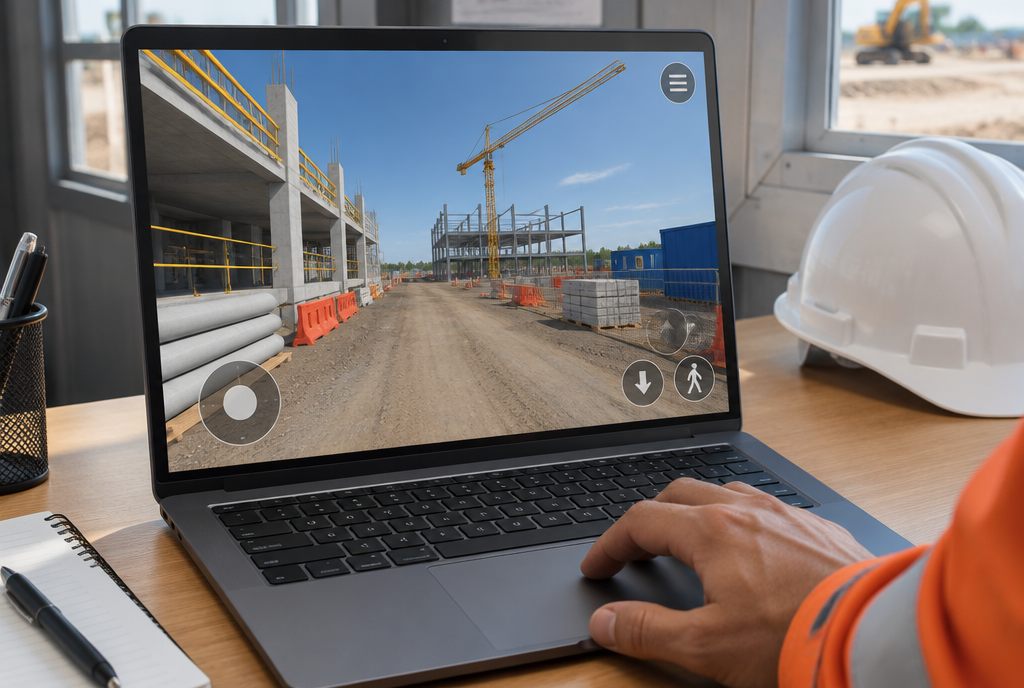
Is 3D training without a VR headset effective?
For many knowledge and decision tasks, yes. Desktop and browser 3D training lets people explore a realistic model of their site, make decisions and see the consequences without headset hardware. It suits inductions, refreshers and large workforces; hands-on motor skills still benefit from VR or a physical simulator.
Not everyone can or should wear a headset, and not every site can manage a fleet of them. A browser version reaches contractors before they arrive on site.
We build desktop and web versions from the same 3D assets as the VR app, so the content stays consistent and costs less to maintain.
What’s included
Scoped to your project. Every part is built for your site, people and procedures.
- Browser-based inductionsPre-arrival inductions contractors complete from anywhere.
- Shared 3D assetsOne set of models for VR, desktop and web.
- AccessibilityKeyboard, mouse and touch controls, captions and adjustable text.
- LMS launchLaunched and tracked from your LMS like any other course.
Where we build web & mobile 3D
Examples across our industries where this format is the best fit or works well. All industries
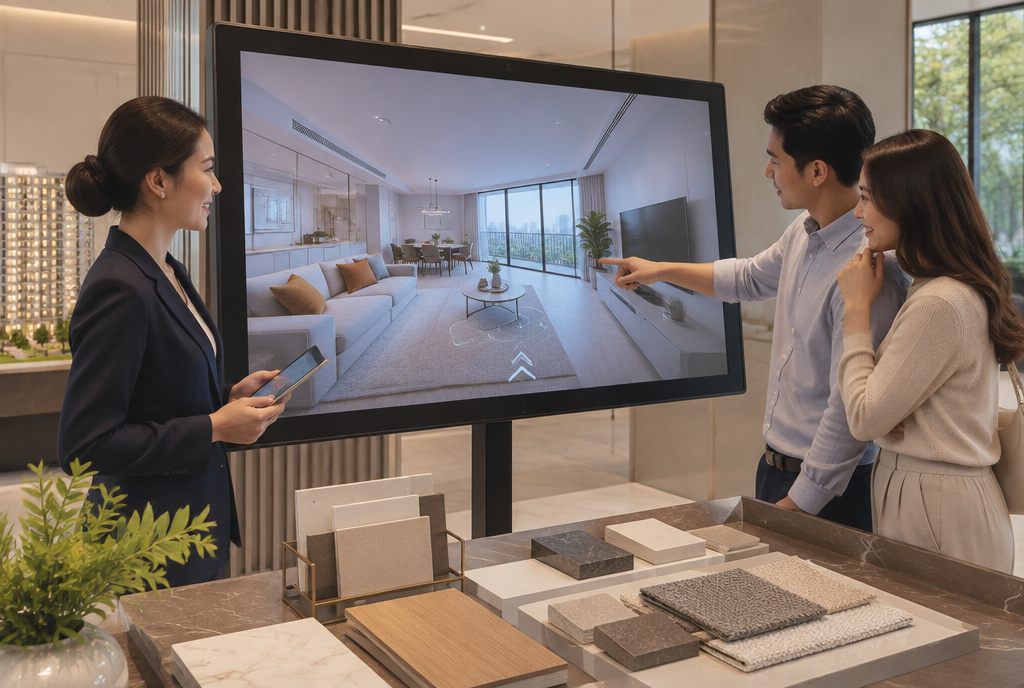
Off-the-plan walkthroughs
Walk an unbuilt apartment from the plans: web, VR or display suite.
Property & real estate · Best fit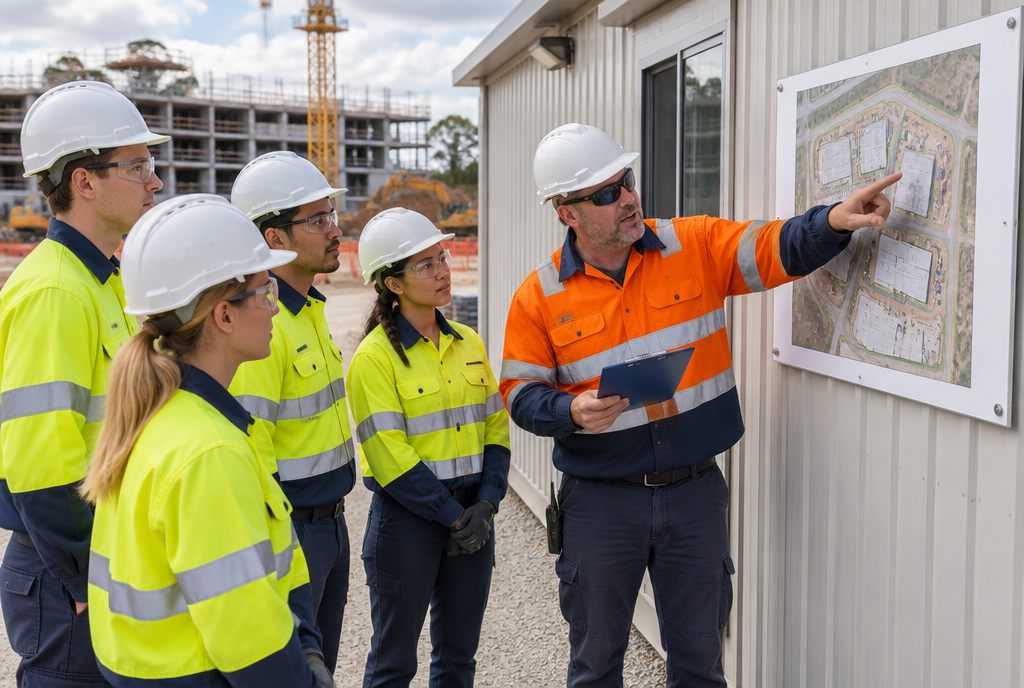
Site induction & hazard spotting
Walk your site before day one and find the hazards where they really are.
Construction · Best fit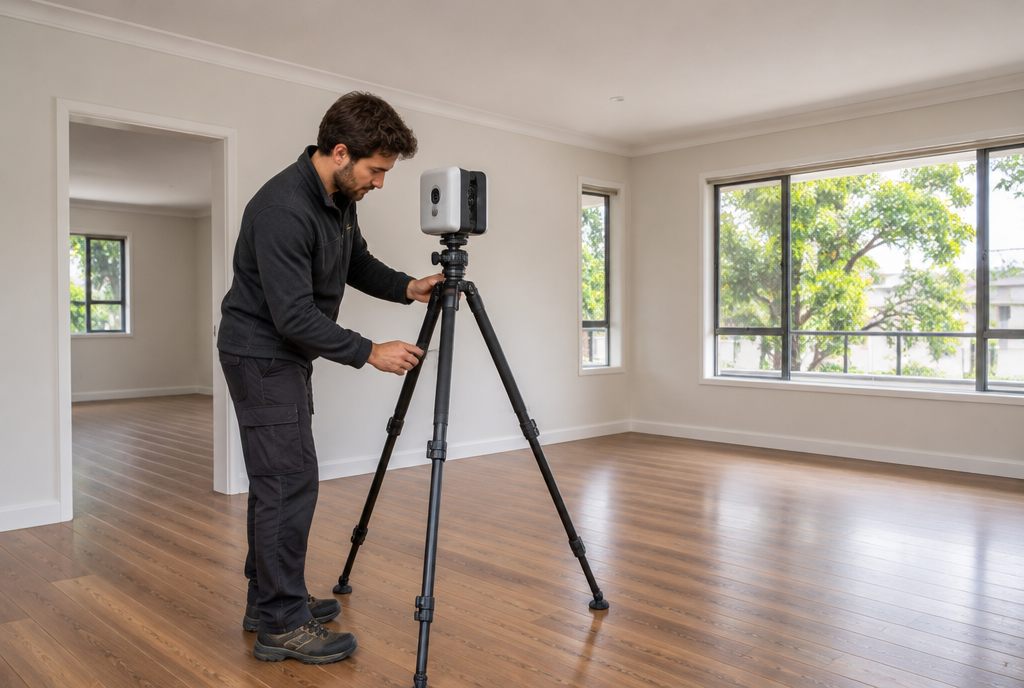
Remote property inspections
Dated 3D scans, cameras and sensors instead of the drive.
Property & real estate · Best fit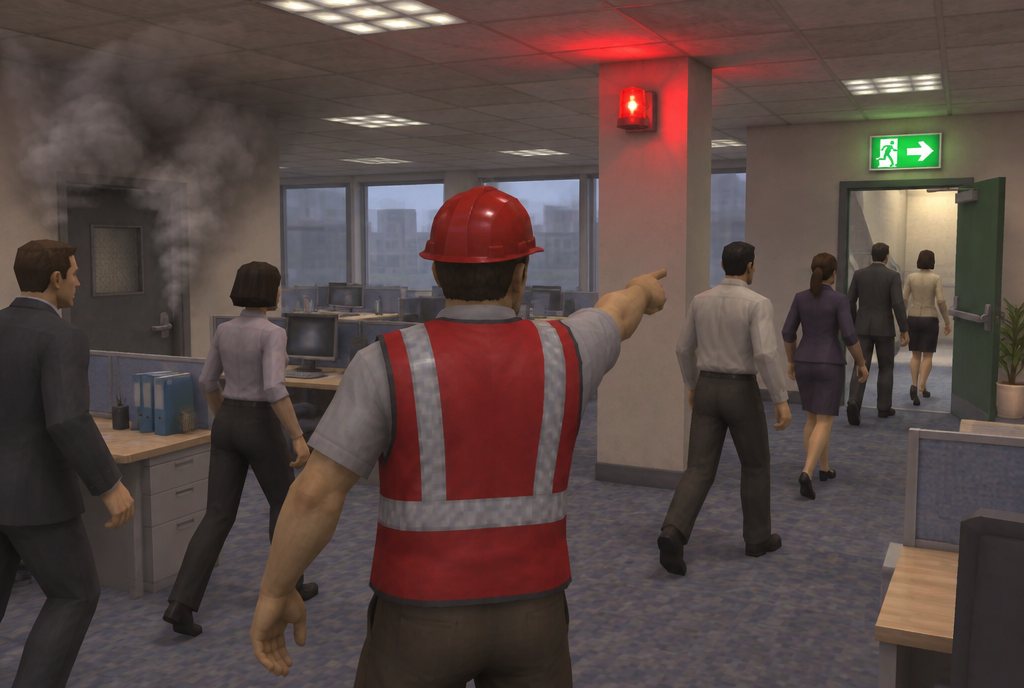
Fire warden & evacuation
Evacuations with a blocked stair, people who need help and the headcount.
Fire & emergency · Works well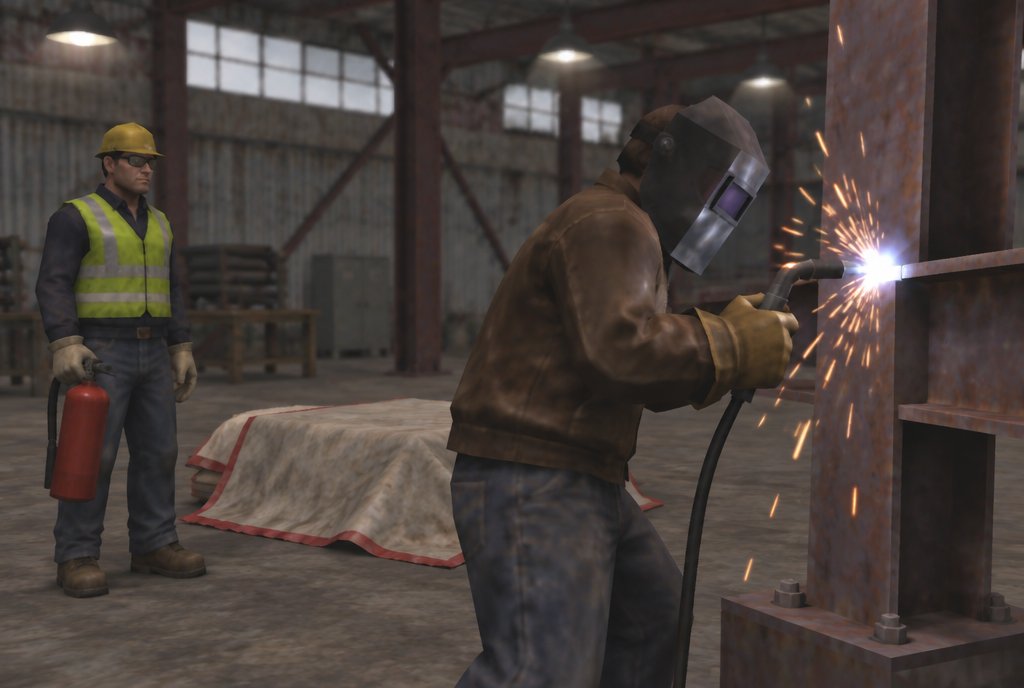
Hot work & fire watch
Permits, area preparation, sparks through gaps and the fire after the job.
Fire & emergency · Works well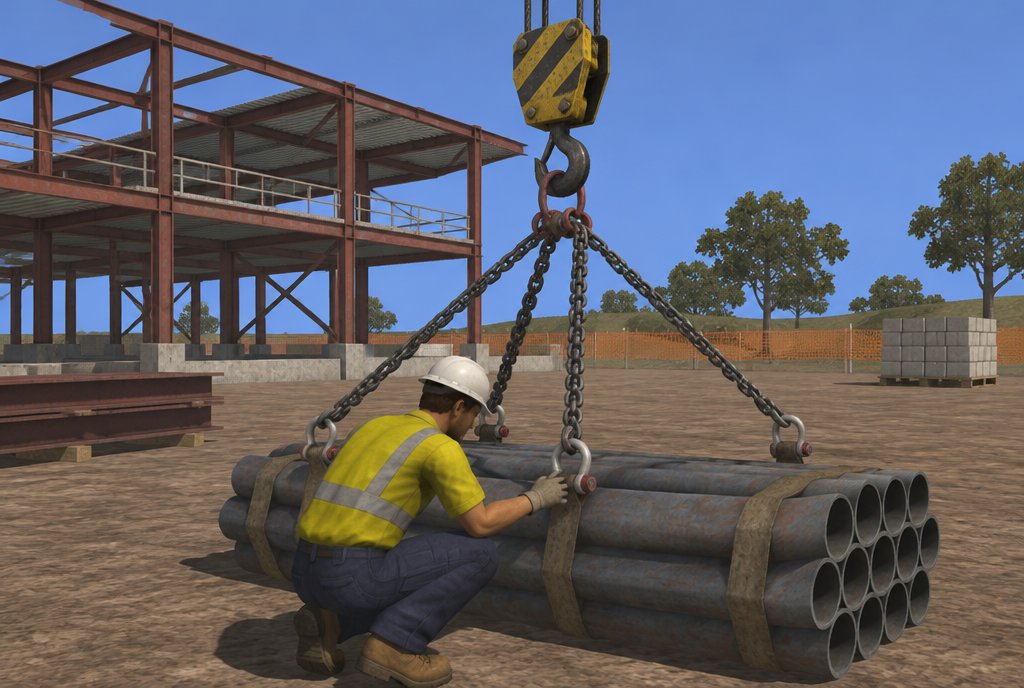
Rigging, dogging & signalling
Load estimation, sling choice and the radio calls that guide a blind lift.
Construction · Works well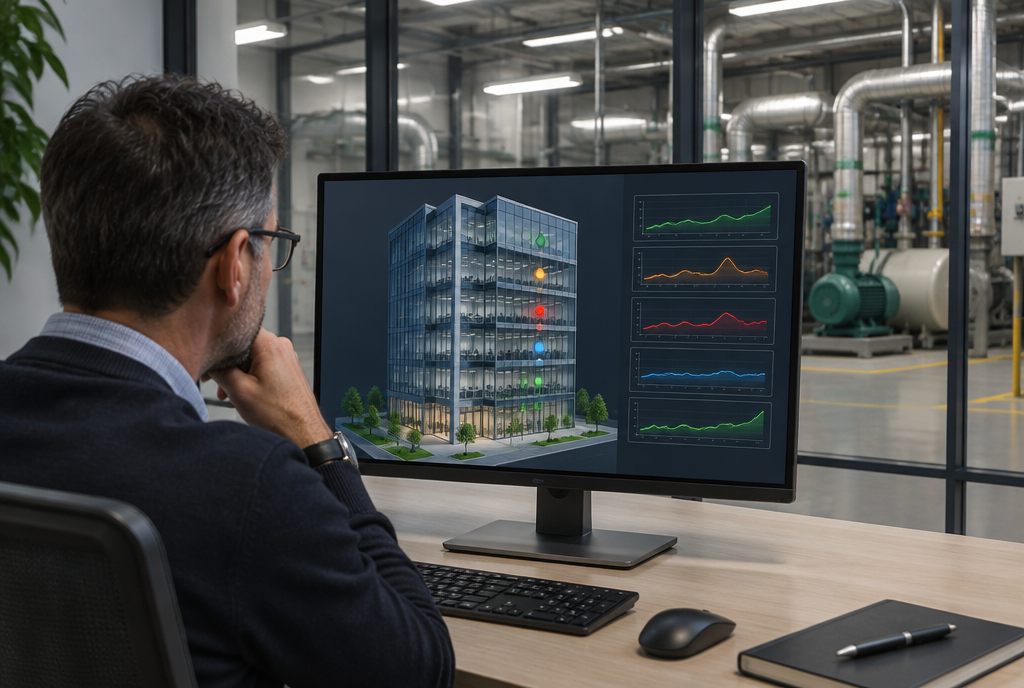
Building operations twins
A live 3D model linked to your BMS, sensors and cameras.
Property & real estate · Works well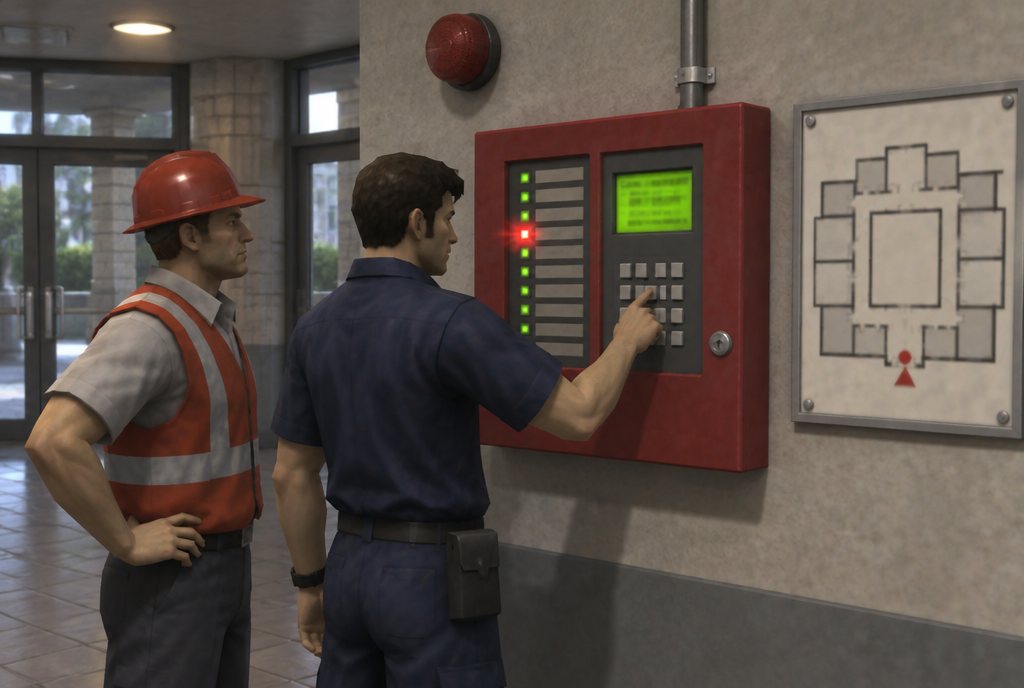
Fire alarm panel & fault-finding
Alarms by zone, isolations, faults and resets on a virtual copy of your panel.
Fire & emergency · Works well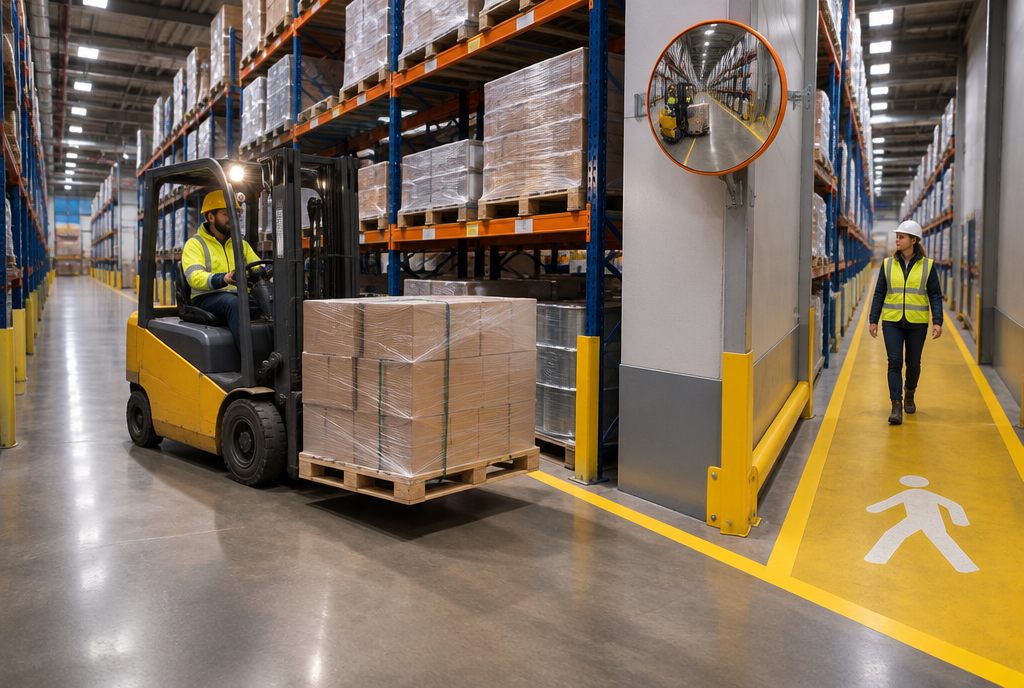
Forklift & reach truck
Pedestrians at blind corners, raised loads and loading at the dock.
Logistics & manufacturing · Works wellMore in VR & XR development
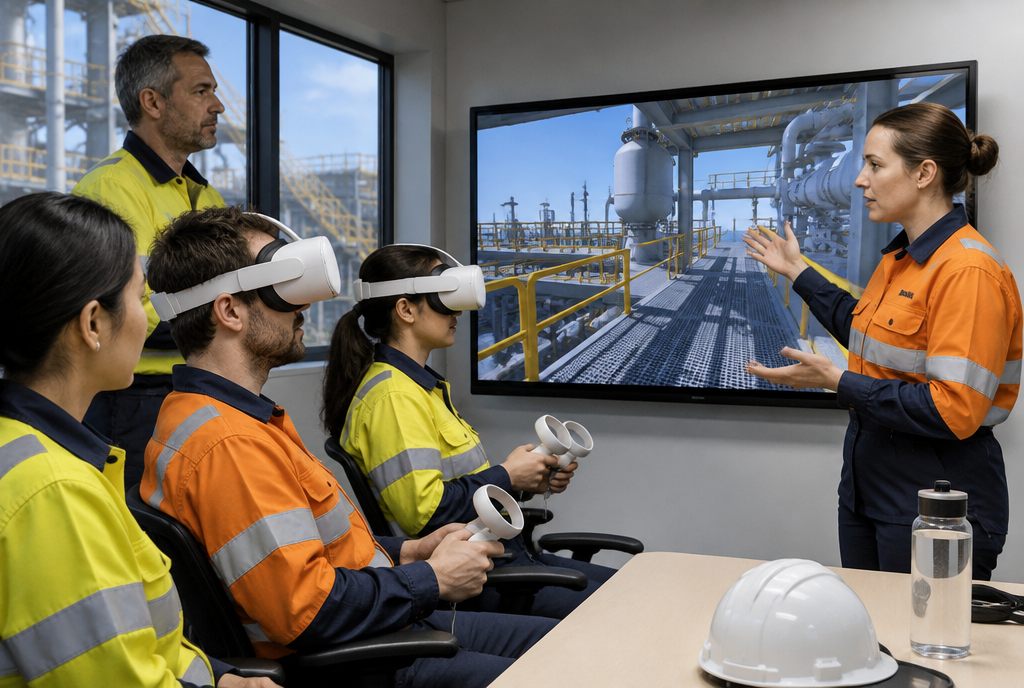
VR training apps
One task or emergency, on your site, scored to your procedure.
Learn more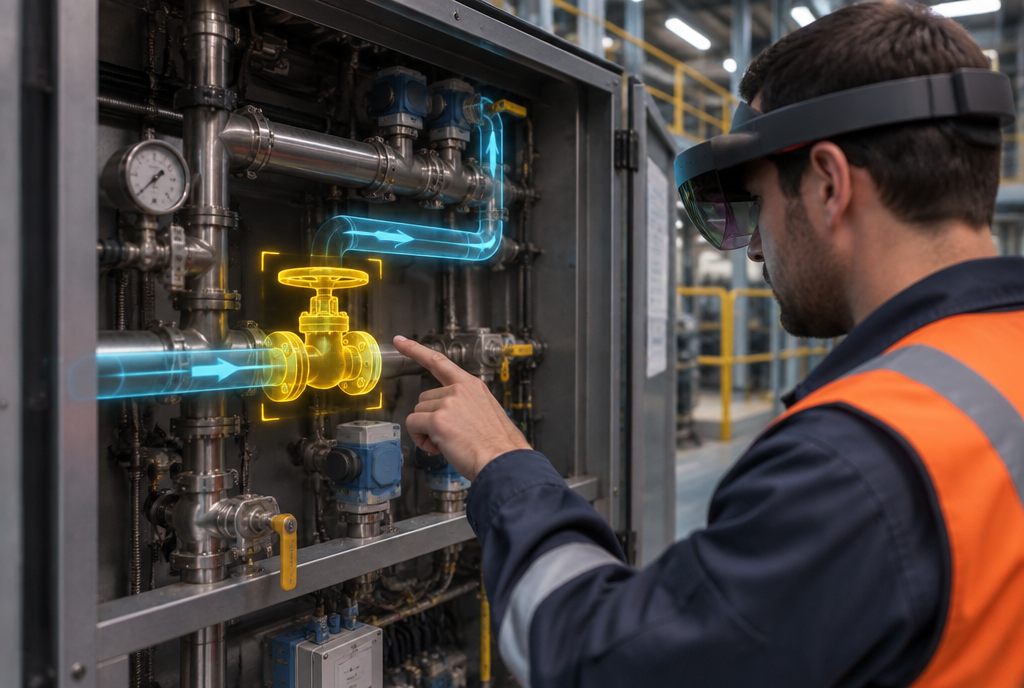
Mixed reality (XR) training
Virtual hazards on real equipment, with passthrough headsets.
Learn more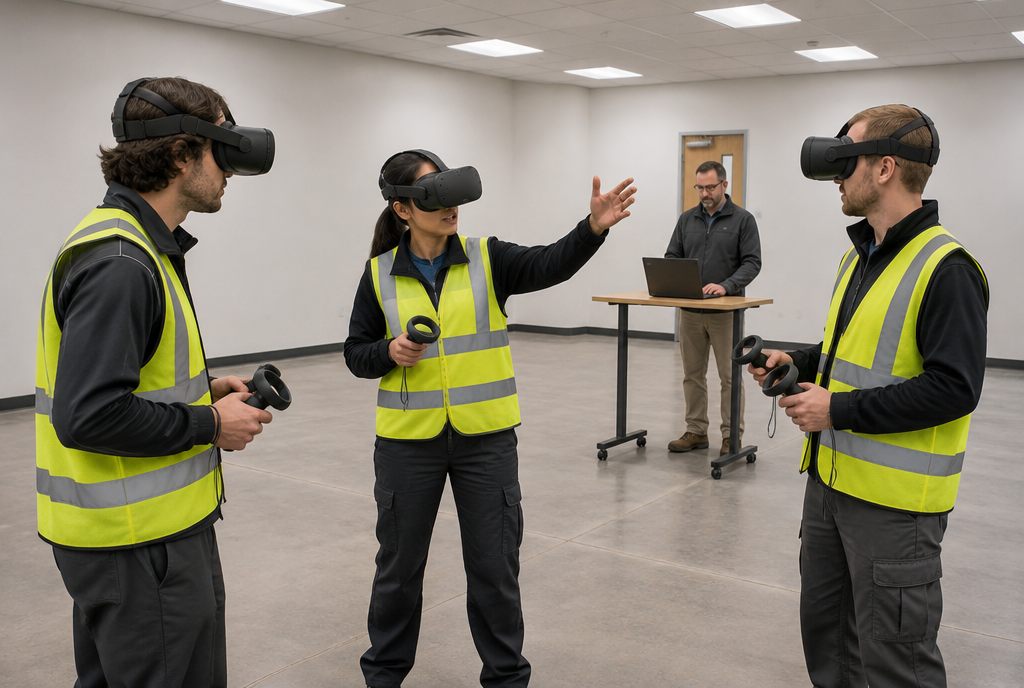
Multi-user VR drills
Whole crews in one scene, practising how they communicate.
Learn more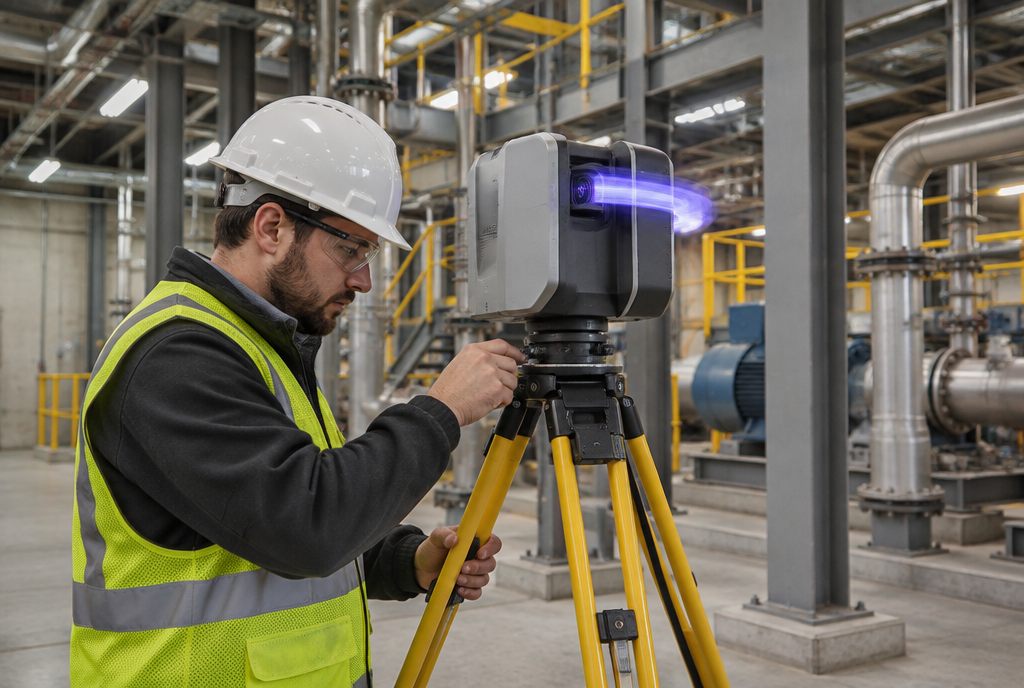
3D site & equipment models
Sites and machines rebuilt from CAD, scans and drone surveys.
Learn moreStart with a scoping call
A 30-minute call to understand the problem, then a first outline with a timeline and estimate.
Start a projectFrequently asked questions
Is 3D training without a VR headset effective?
For many knowledge and decision tasks, yes. Desktop and browser 3D training lets people explore a realistic model of their site, make decisions and see the consequences without headset hardware. It suits inductions, refreshers and large workforces; hands-on motor skills still benefit from VR or a physical simulator.
Will it run on older computers?
We optimise for the devices your people actually use, and test on them before release.
Can contractors complete it before arriving?
Yes. Web inductions can be sent as a link and tracked, so supervisors know who has completed them.
Is it as effective as VR?
For knowledge and decisions it can come close. For hand skills and spatial judgement, VR or a simulator is stronger.