
Replica cabs and seats
Seat, console and control layout matched to the machine.
Simulators & physical rigs
Some skills live in the hands and feet. We pair simulation software with real joysticks, steering wheels, pedals, seats and motion platforms, so operators train on the controls they'll use on shift.
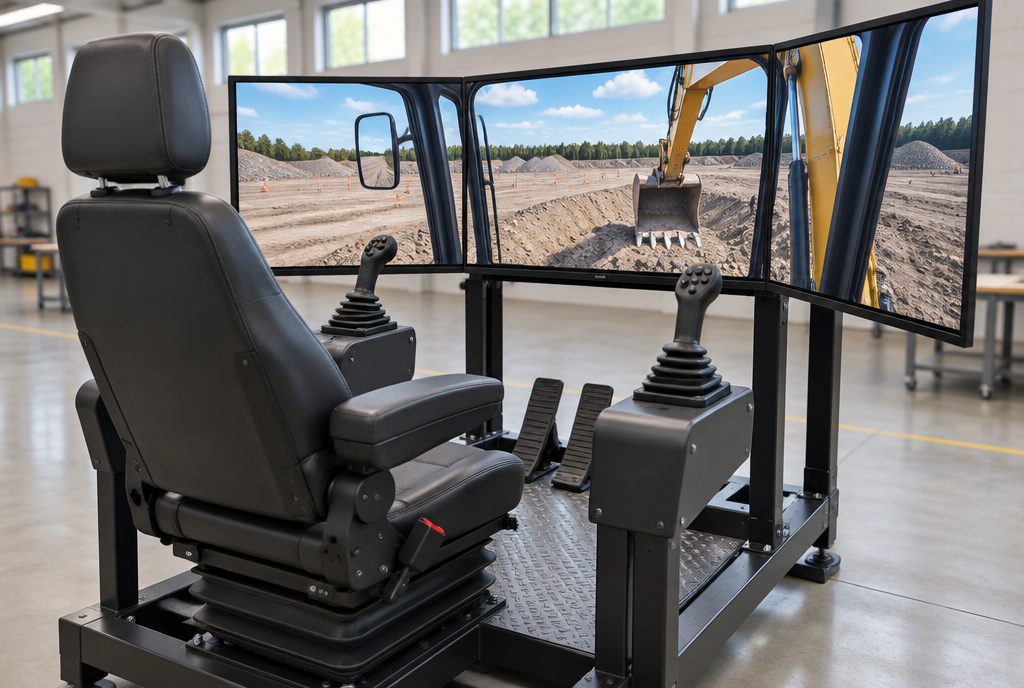
A training simulator with physical controls pairs a virtual model of a machine with real hardware: joysticks, levers, steering, pedals and switch panels laid out like the machine's cab. The operator sees the simulation on screens or in a VR headset and feels the controls respond as the real machine would, optionally on a motion platform.
Operating a crane, excavator or haul truck is a motor skill. Habits built on a game controller don't transfer well; habits built on the right joystick pattern do.
We design the rig around the machine and the budget: from a desk-mounted control set to a replica cab on a motion platform, all running the same scenarios and reports.
Pick one or combine them. Each is scoped to your site, people and procedures.
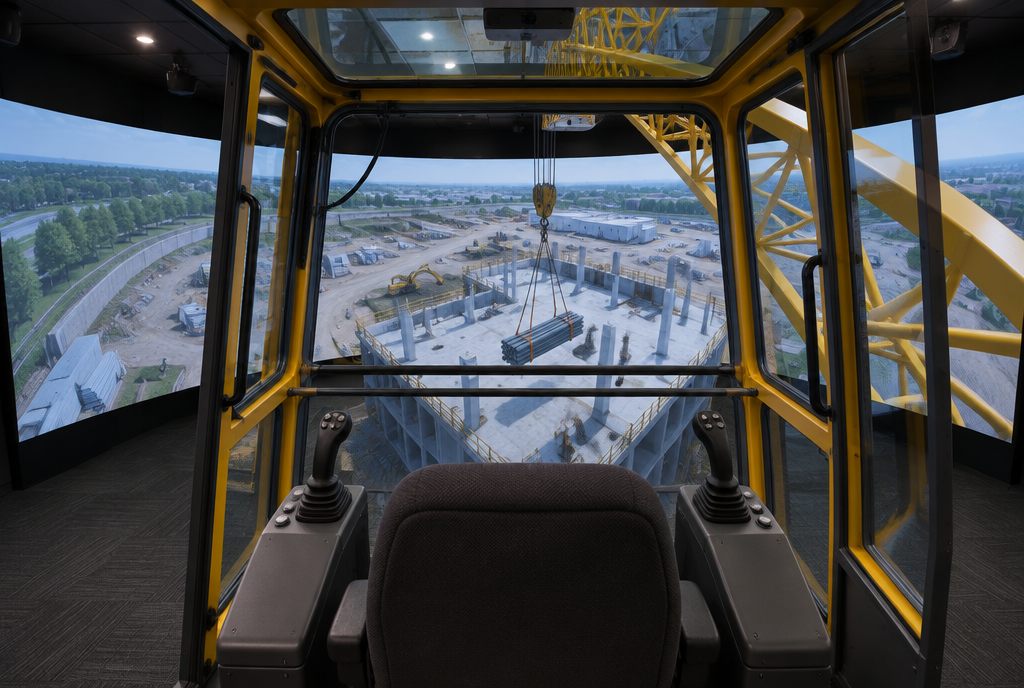
Seat, console and controls laid out like the real cab.
Learn more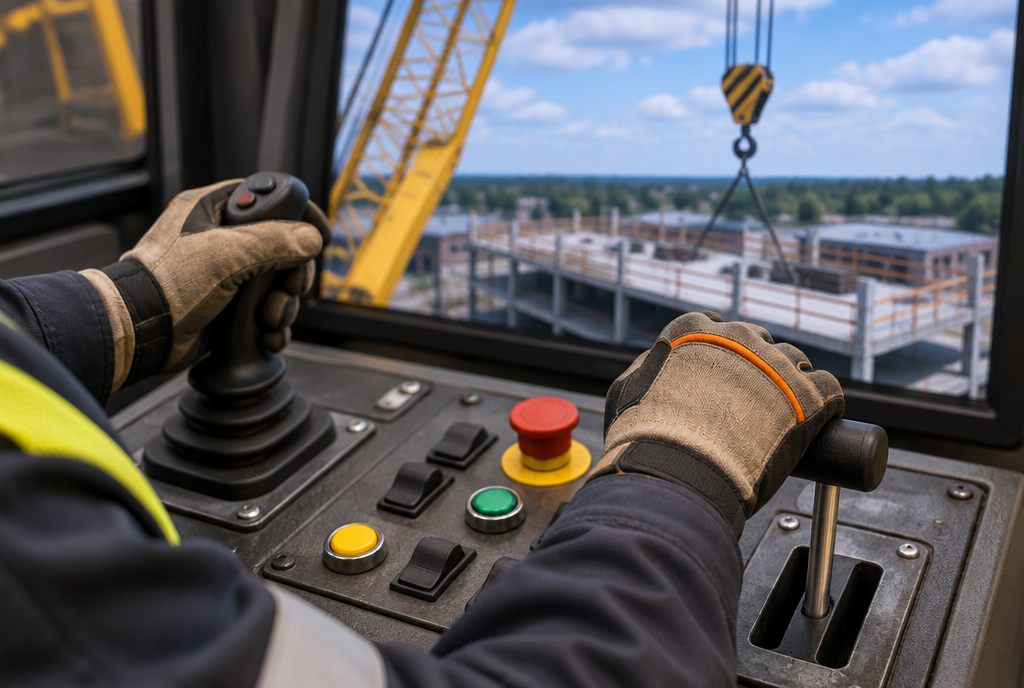
Industrial controls that swap between machines.
Learn more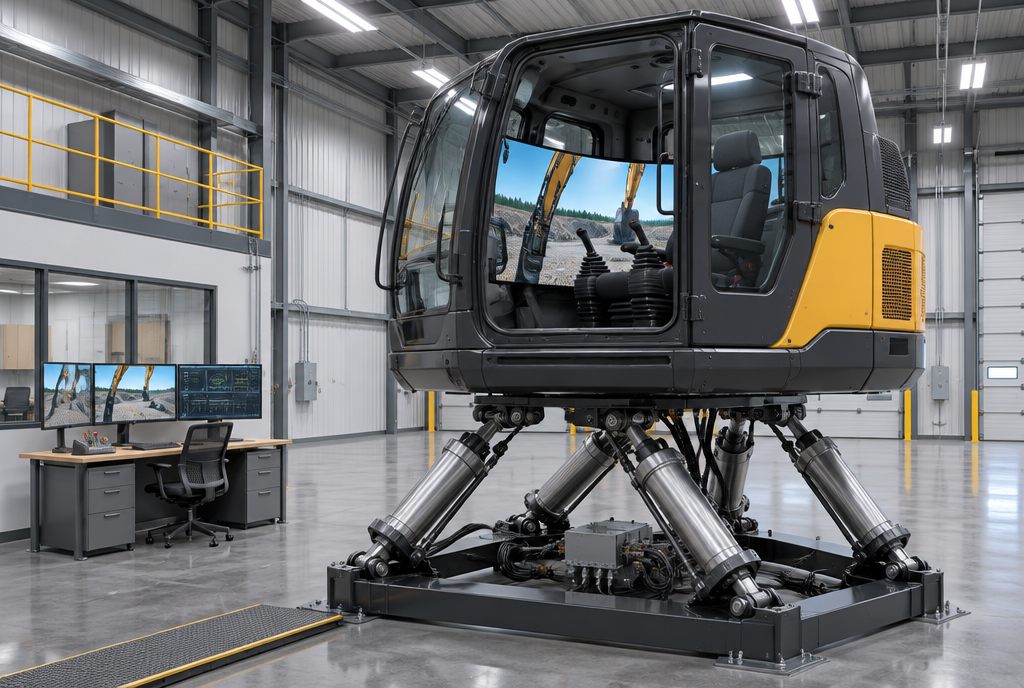
Pitch, roll and jolt with the machine.
Learn more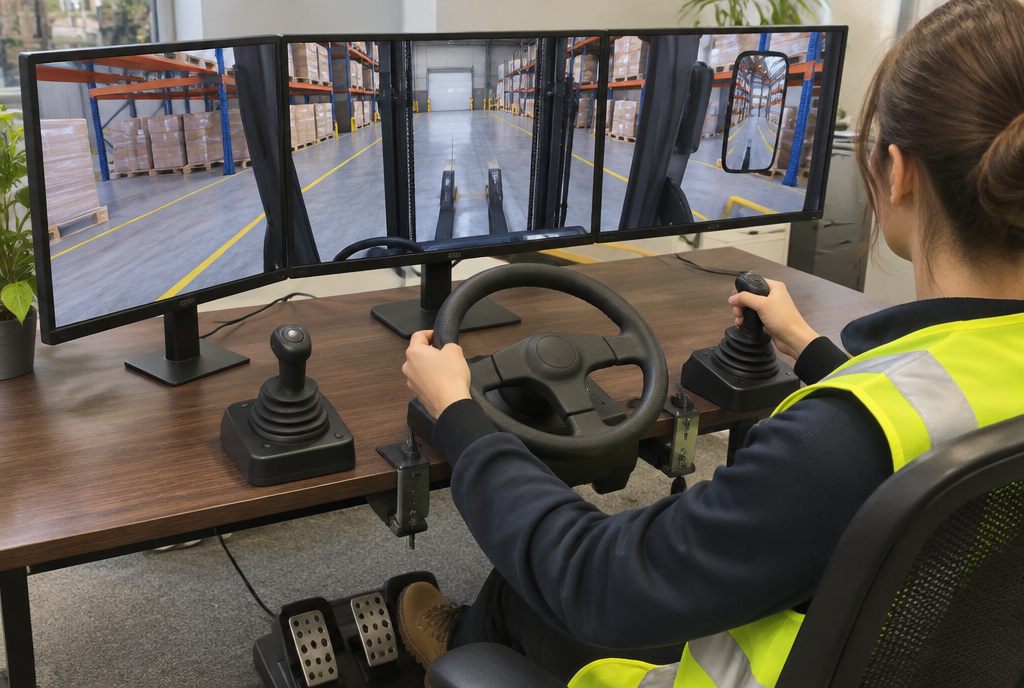
Joysticks, wheels or RC controllers on a desk, at a fraction of the cost.
Learn more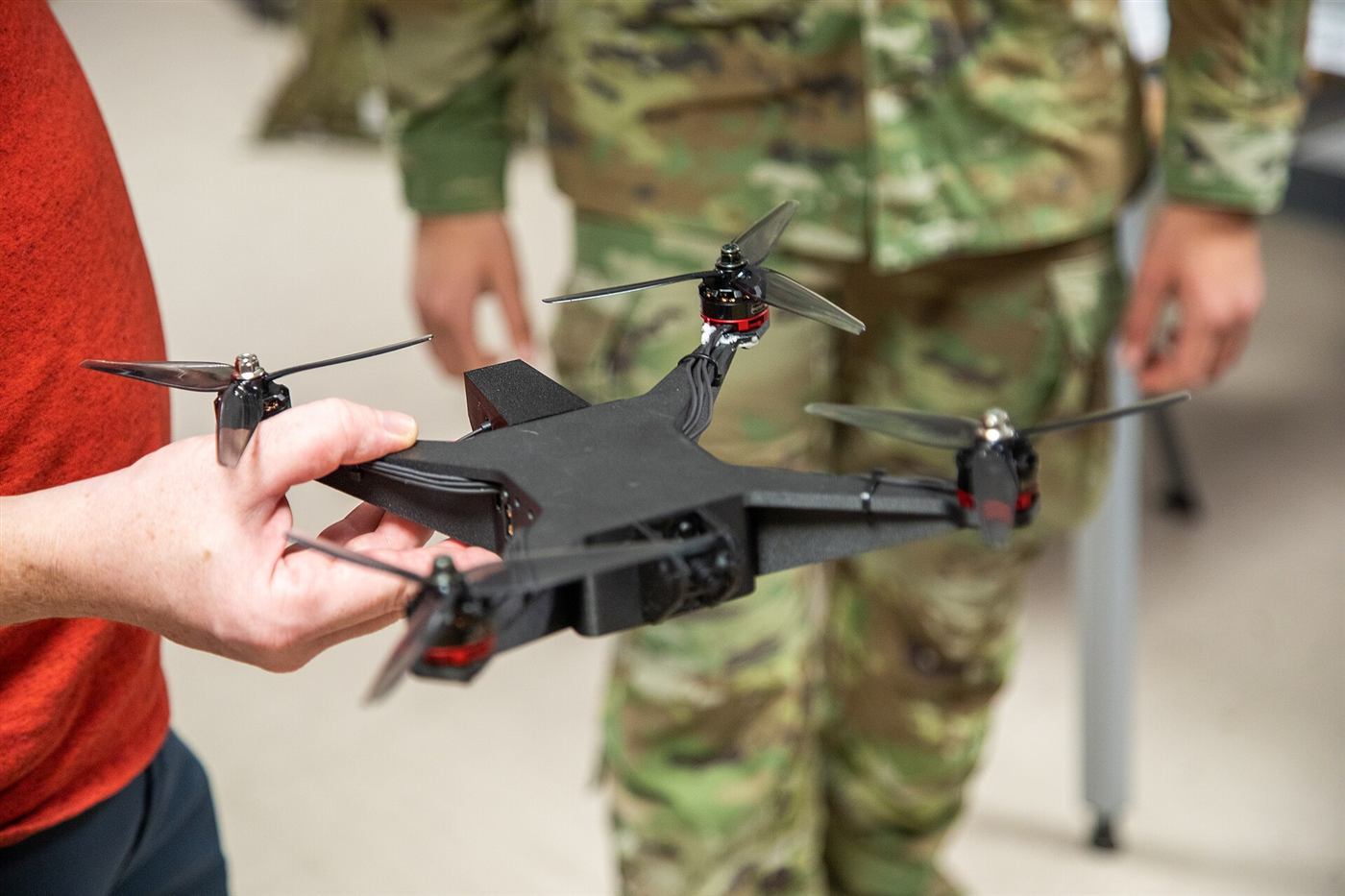
Fire panels, drone controllers and site devices wired in.
Learn moreThe parts of a typical simulators & physical rigs project. We include what your project needs and leave out what it doesn't.
Seat, console and control layout matched to the machine.
Industrial controls wired to behave like the real thing.
Pitch, roll and vibration for machines where feel matters.
Wrap-around screens, projection or a VR headset.
Start scenarios, trigger faults and watch live.
Fire panels, drone transmitters, switchboards and other site-specific devices.
Pick your industry to see examples, and the formats each one can be built in. All industries
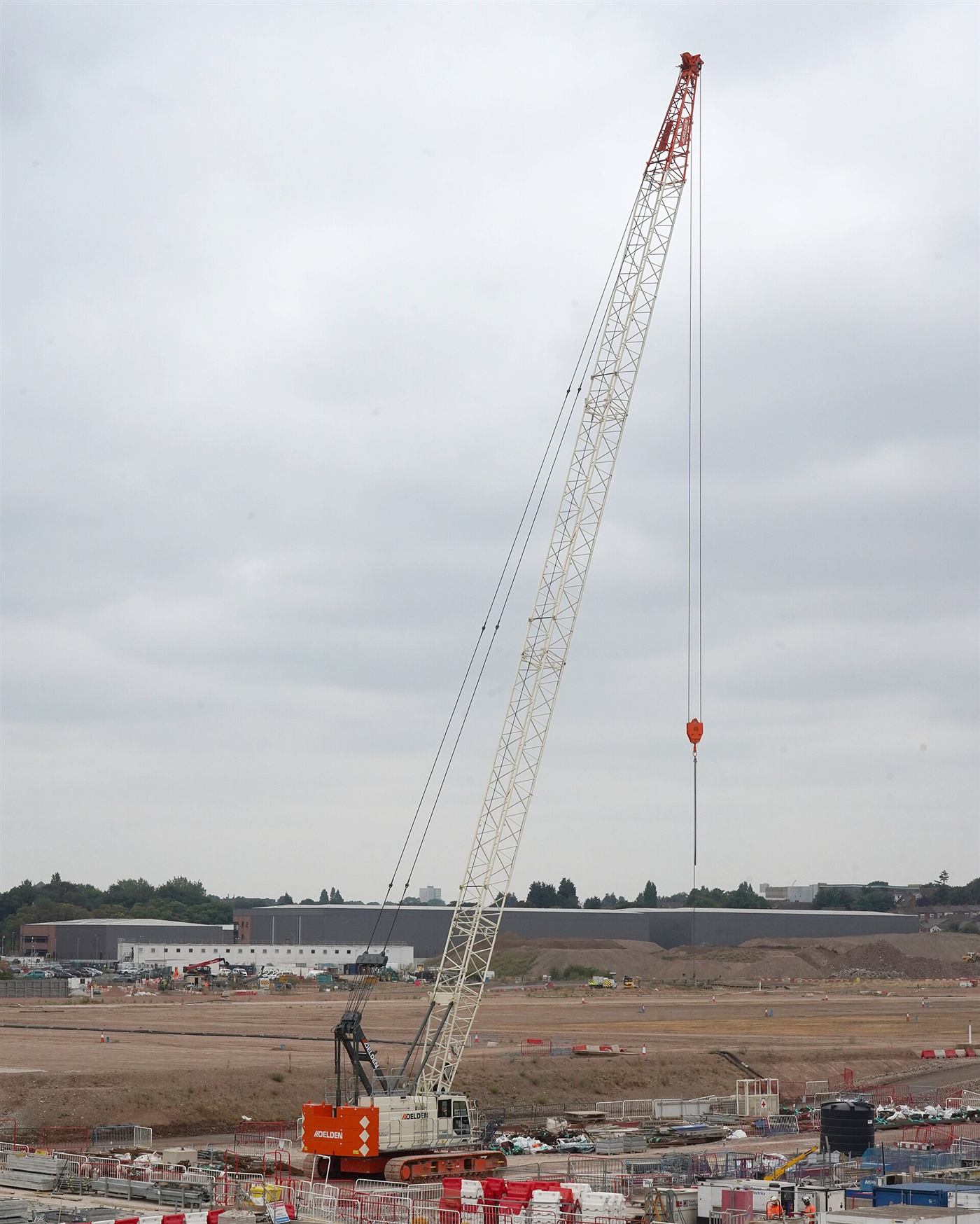
Tower crane / Mobile & crawler crane / Rigging, dogging & signalling / Excavator
See the industry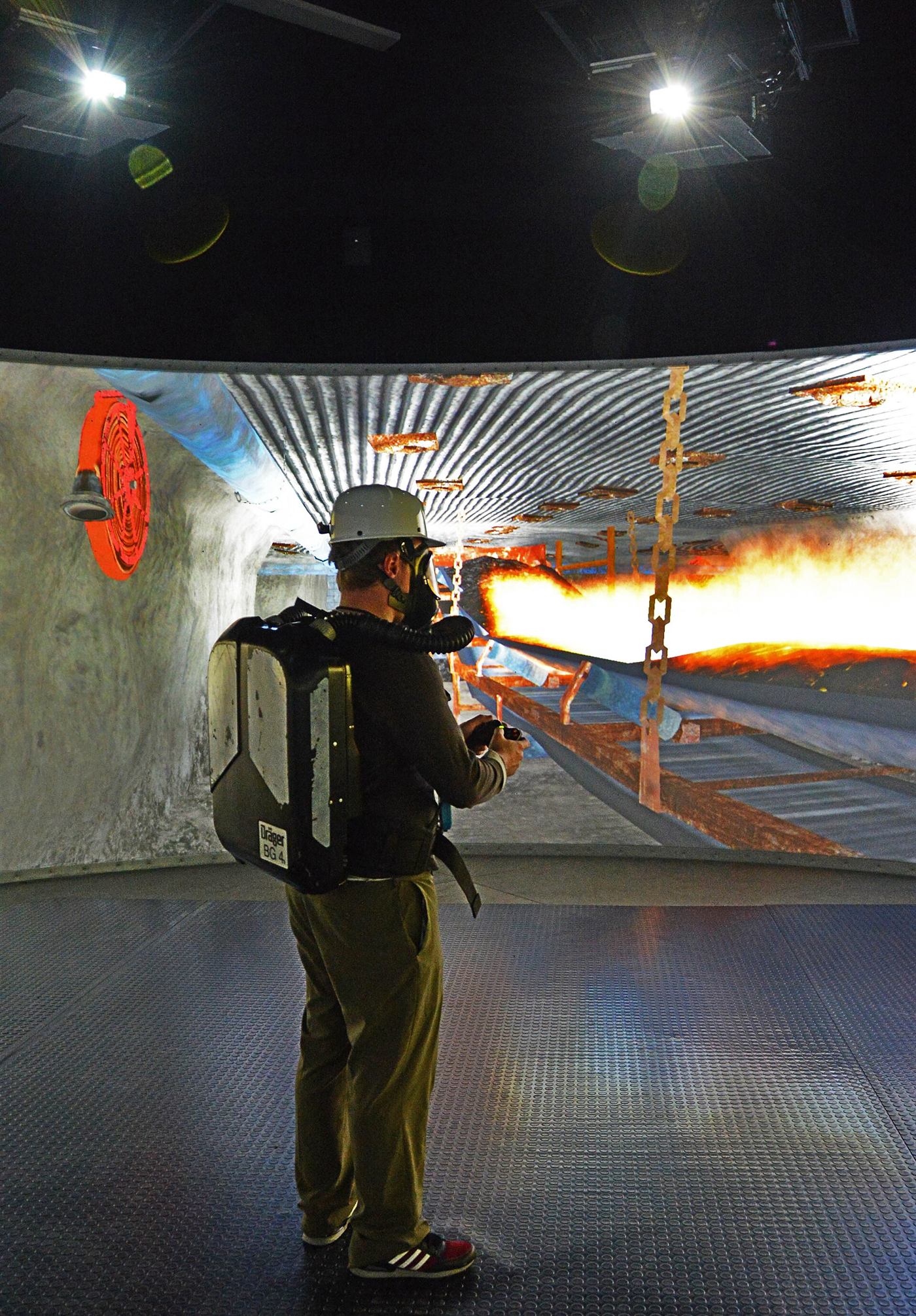
Underground hazard awareness / Mine emergency & escape / Mine rescue team drills / Underground loaders & remote operation
See the industry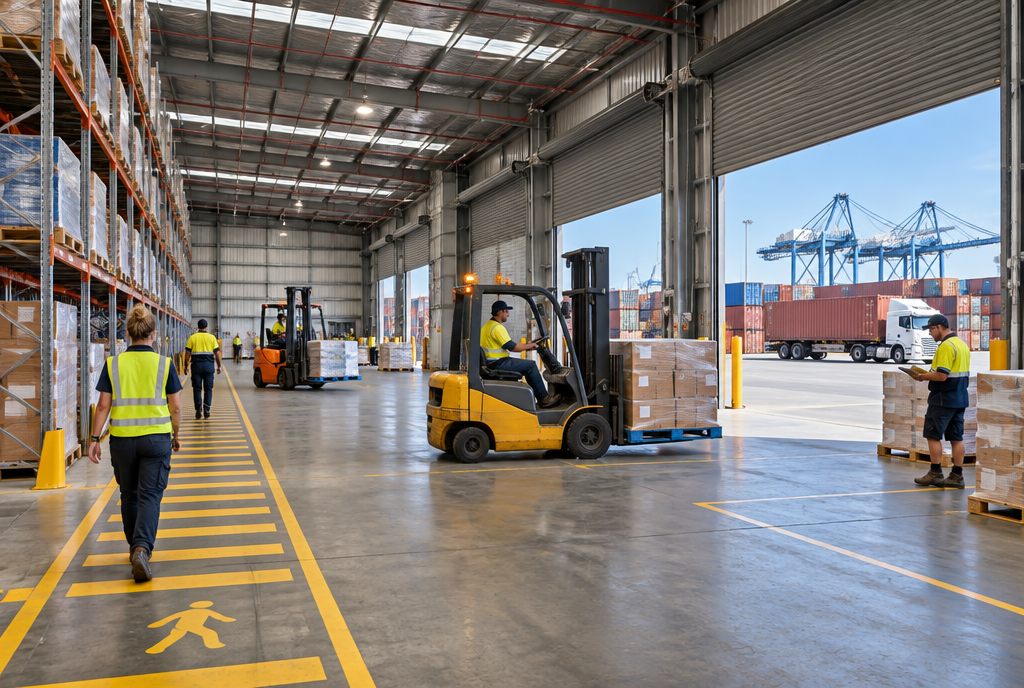
Forklift & reach truck / Overhead & gantry crane / Port & container cranes / Isolation & lockout/tagout
See the industry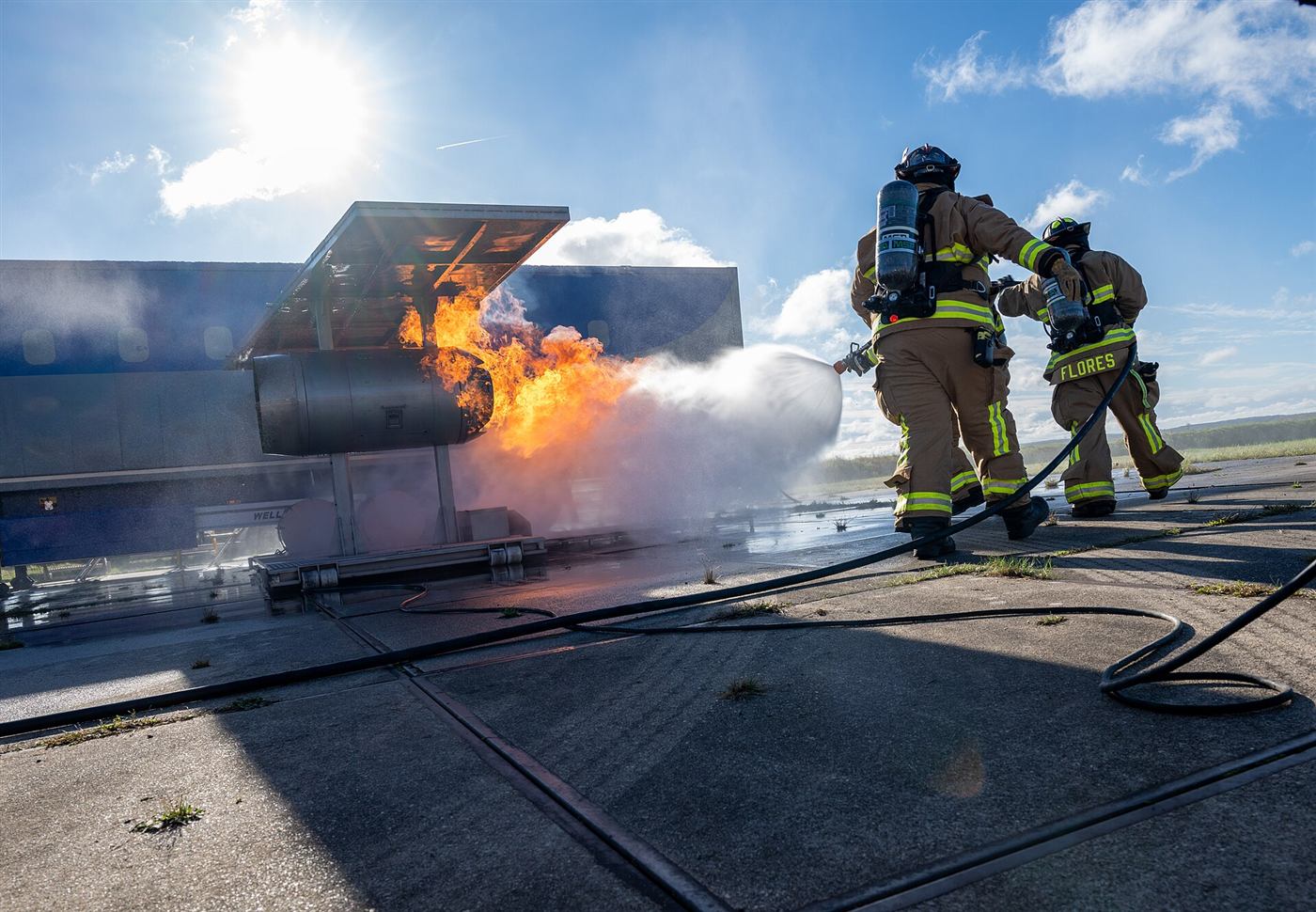
Fire alarm panel & fault-finding / Fire warden & evacuation / Fire extinguisher training / Hot work & fire watch
See the industry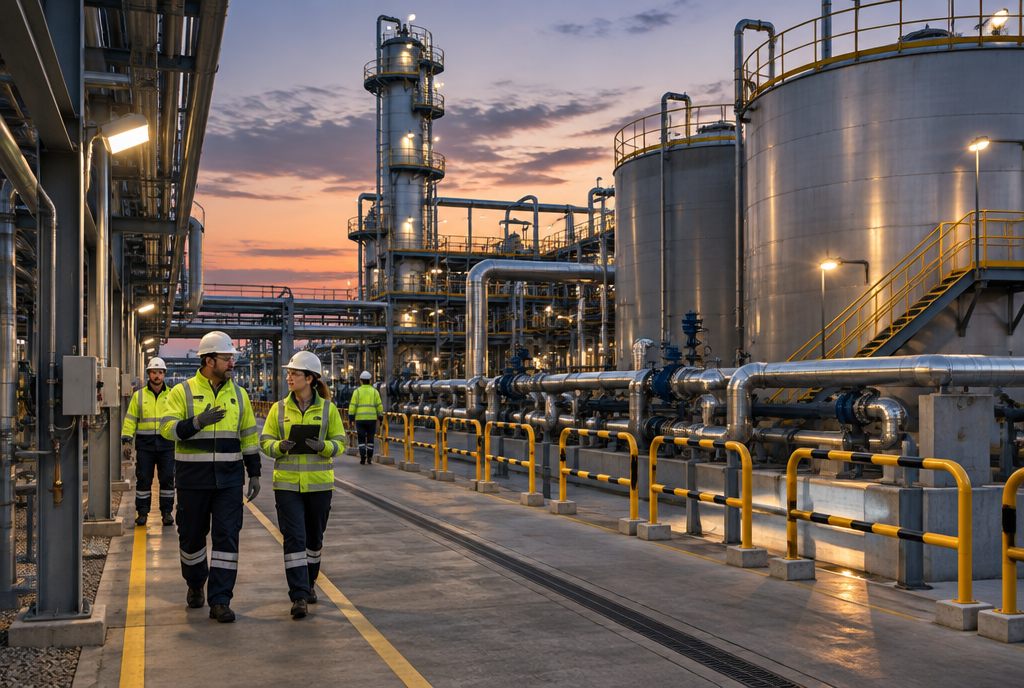
Power line & asset inspection / Flight fundamentals & emergencies / Confined-space & indoor flight / Confined space entry & rescue
See the industry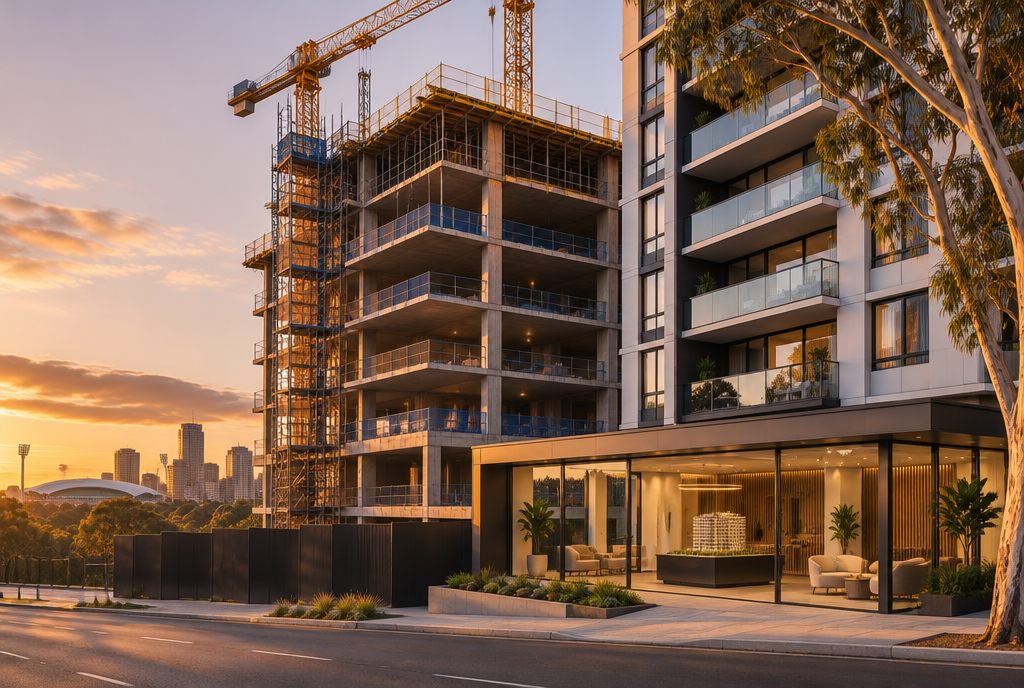
Off-the-plan walkthroughs / Building operations twins / Remote property inspections
See the industryFrom our industry pages. Each one is rebuilt around your own site, machines and procedures.
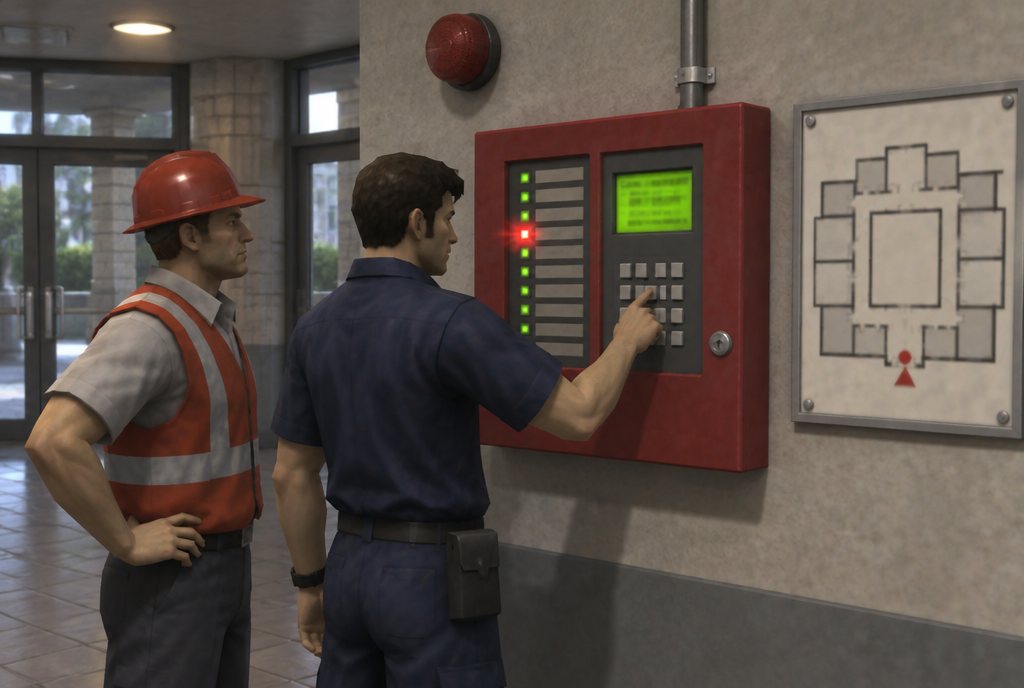
Alarms by zone, isolations, faults and resets on a virtual copy of your panel.
Fire & emergency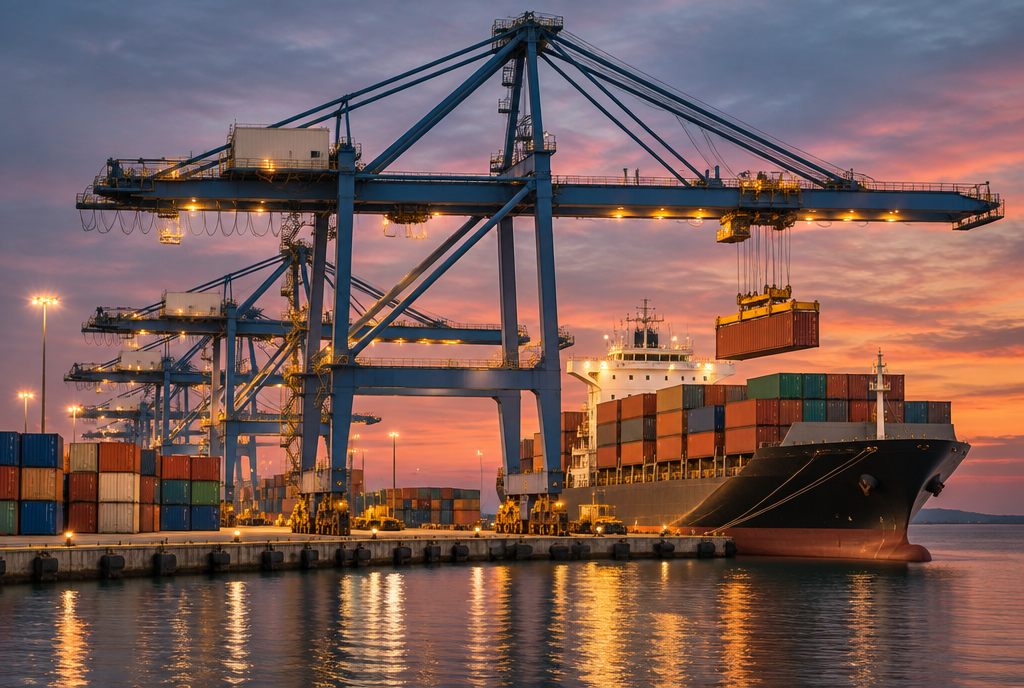
Ship-to-shore and yard gantry moves, wind holds and twistlock faults.
Logistics & manufacturing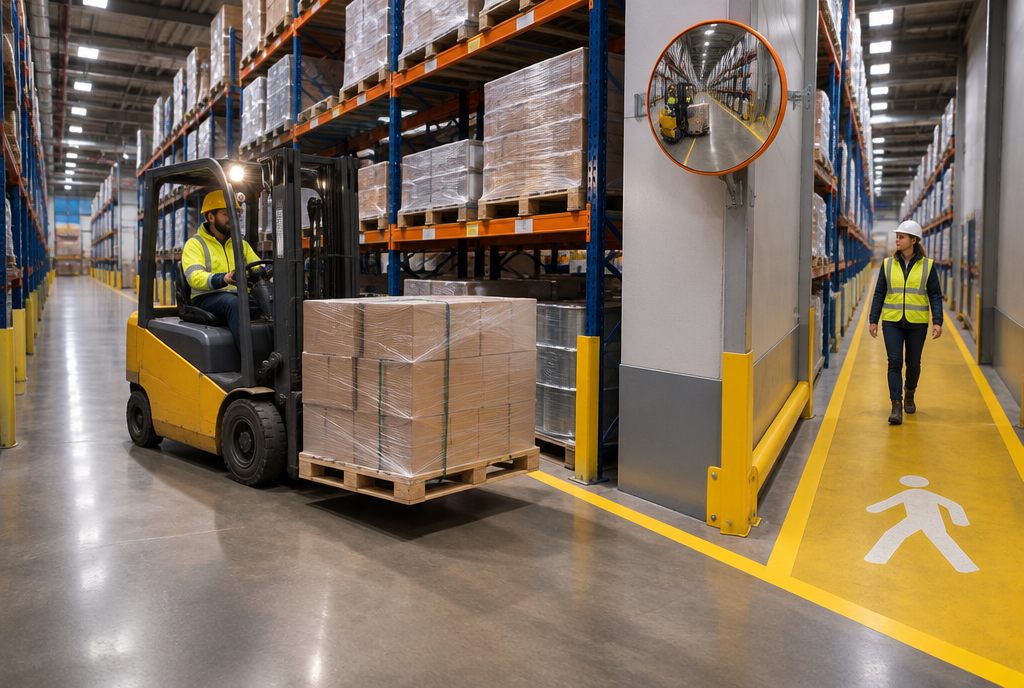
Pedestrians at blind corners, raised loads and loading at the dock.
Logistics & manufacturing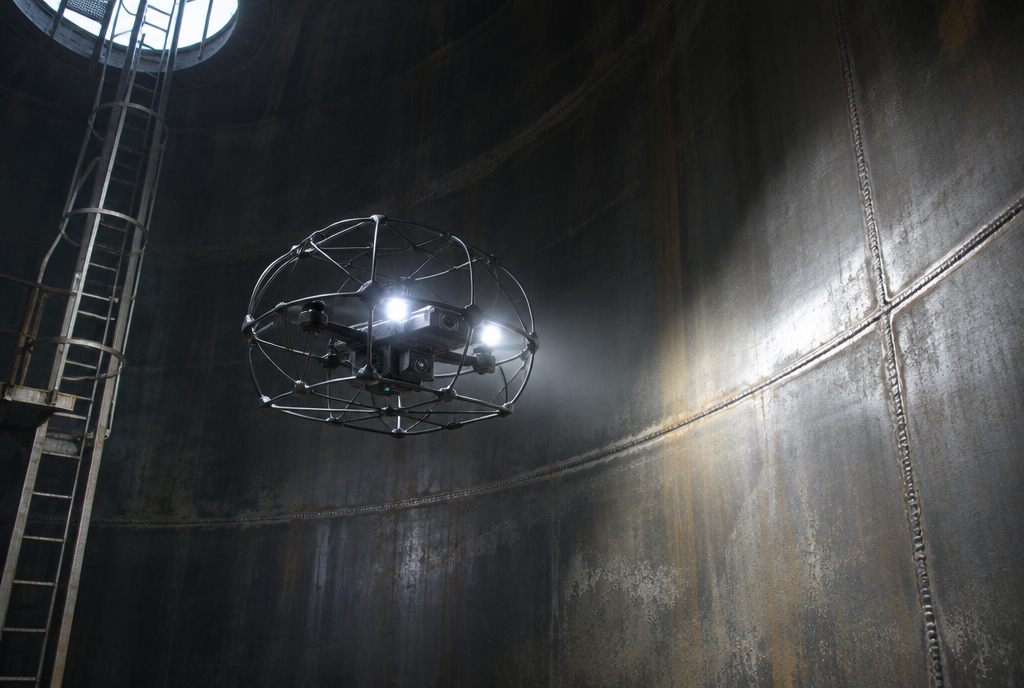
Tanks, boilers, stopes and tunnels with no GPS and little light.
Energy & utilities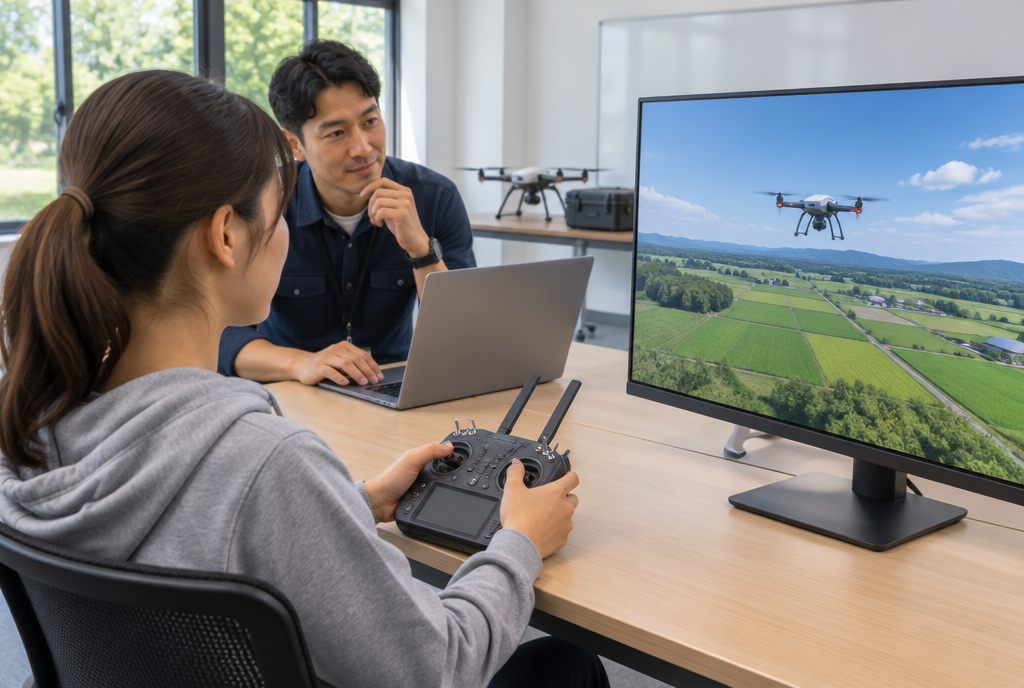
Manual flight without GPS, low battery in wind and lost link.
Energy & utilities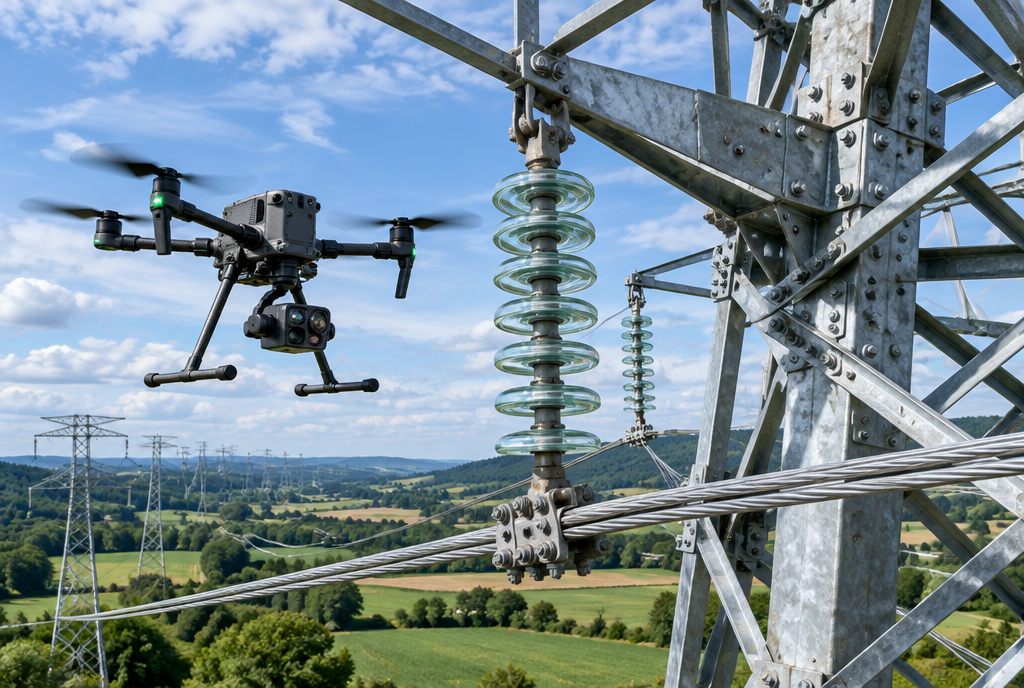
Lines, towers and bridges, with stand-off distances and complete data capture.
Energy & utilitiesFrom the first call to rollout, with a pilot before anything scales.
Step 1
A call and a site visit or workshop to agree the problem, the users and how we'll measure success.
Step 2
Training needs analysis, storyboards, hardware choices and data sources, signed off before we build.
Step 3
3D models, software, hardware and integrations, reviewed with your experts as we go.
Step 4
One crew or one site uses it while we tune scoring, alerts and usability.
Ongoing
Installed at your sites, your people trained, then updated as your site changes.
Tell us what you need to train, monitor or show. We reply within two working days with a first outline.
Start a projectA training simulator with physical controls pairs a virtual model of a machine with real hardware: joysticks, levers, steering, pedals and switch panels laid out like the machine's cab. The operator sees the simulation on screens or in a VR headset and feels the controls respond as the real machine would, optionally on a motion platform.
Yes. We match control patterns (such as ISO and SAE excavator patterns), switch positions and instruments to the machines your operators use.
Not always. Motion helps with machines where feel and vibration carry information, like cranes and haul trucks. Many tasks train well on a static rig.
Yes. Swappable control sets let one seat frame switch between machines.
Yes. Rigs can be built to be transportable, or fitted into a container or trailer.