
Alarm in a zone
Read the panel, find the zone on the block plan and decide whether to evacuate.
A virtual fire indicator panel modelled on yours, wired to a model of your building. Technicians and wardens read alarms, isolate, fault-find and restore the system.
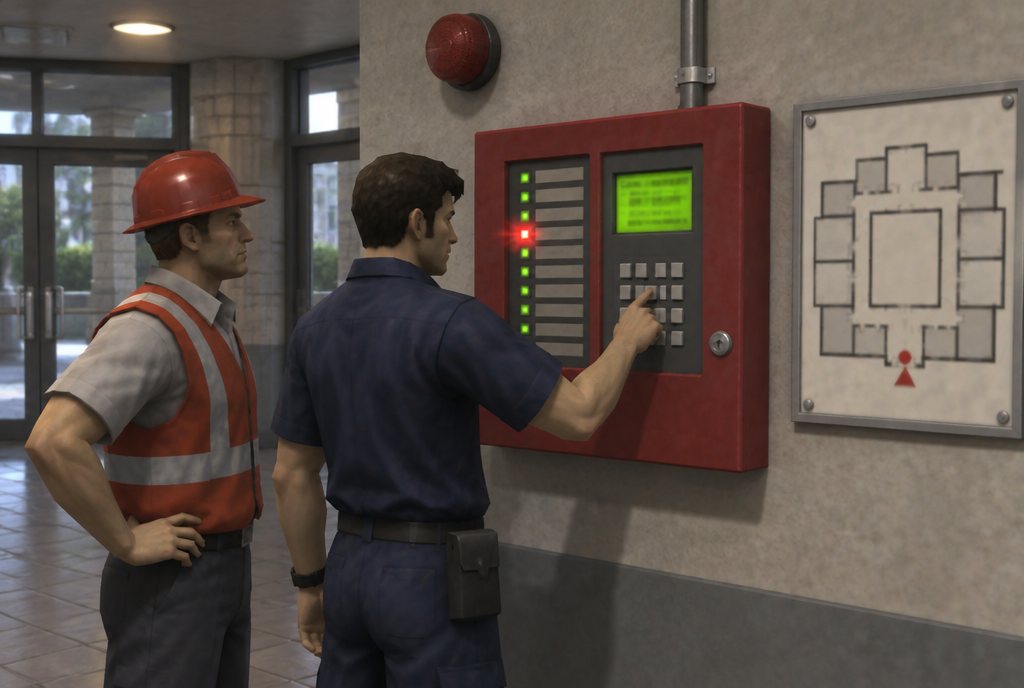
Fire alarm panel simulation training gives technicians and wardens a working virtual copy of their fire indicator panel, connected to a 3D model of their building. On a PC, a touch screen, in VR or beside a replica panel in mixed reality, they respond to alarms by zone, isolate devices for works, find faults and restore the system, on a panel they can't break.
Most people only touch the fire panel during an alarm, which is the worst time to learn it. Practising on the live panel risks a false call-out or a system left isolated.
A virtual panel can be pressed, isolated and broken as often as needed. Faults can be planted, and the trainee follows them through the building to the device.
Examples only. We rebuild each one around your site, equipment and procedures.
Read the panel, find the zone on the block plan and decide whether to evacuate.
Isolate the right devices, record it and restore them when the work is done.
Trace an open-circuit or earth fault from the panel to the device.
Every session can be scored against your own checklist and exported to your LMS or as PDF.
Panel behaviour and procedures follow the Australian standards your system is built and maintained to, such as AS 1670.1 for detection and alarm systems and AS 1851 for routine service, and the model of your own panel.
The same fire alarm panel & fault-finding scenarios can run on different hardware. We recommend a format in scoping, and many projects use more than one. Each links to the service that builds it.
A virtual panel on a PC or touch screen, wired to a 3D model of your building.
PC or laptop · Desk-mounted controlsDesktop & portable simulators Mixed reality (XR)Works wellA replica panel in the room, with the virtual building and devices around it.
Passthrough headset · Real equipmentMixed reality (XR) training VR headsetWorks wellWalk to the alarmed zone and find the detector at full scale.
Standalone headset · Works offlineVR training apps Web & mobile 3DWorks wellPanel familiarisation for wardens and security staff in a browser.
Any browser · SCORM / xAPIDesktop & web 3D Digital twinAlso possibleLinked to live panel data in a building twin.
Cameras · Sensors · IoTSites with cameras, sensors & IoT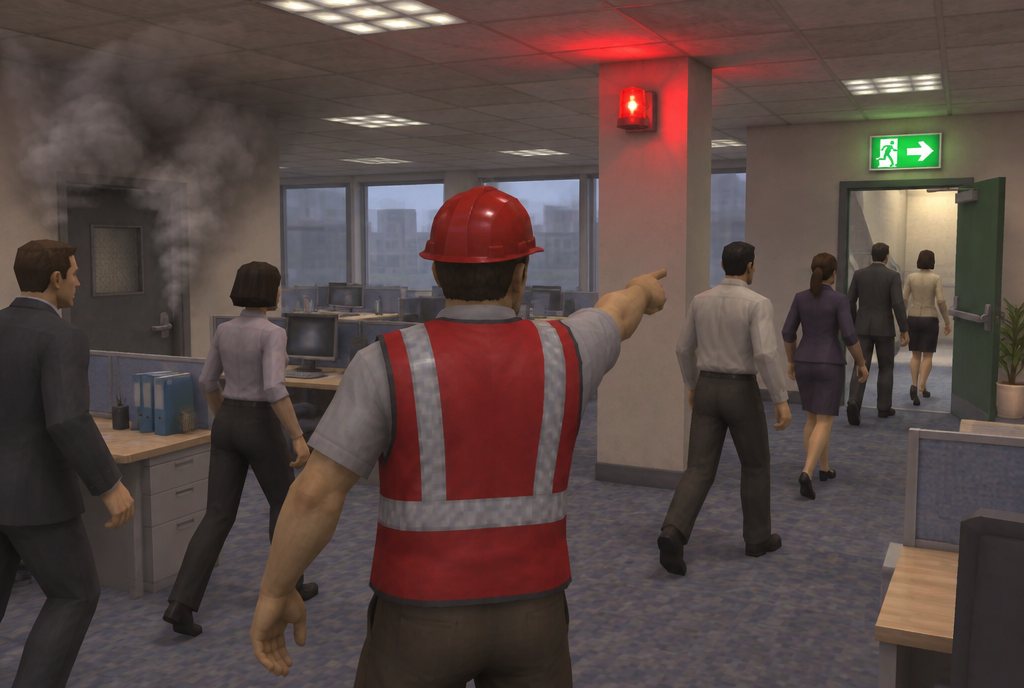
Evacuations with a blocked stair, people who need help and the headcount.
See the example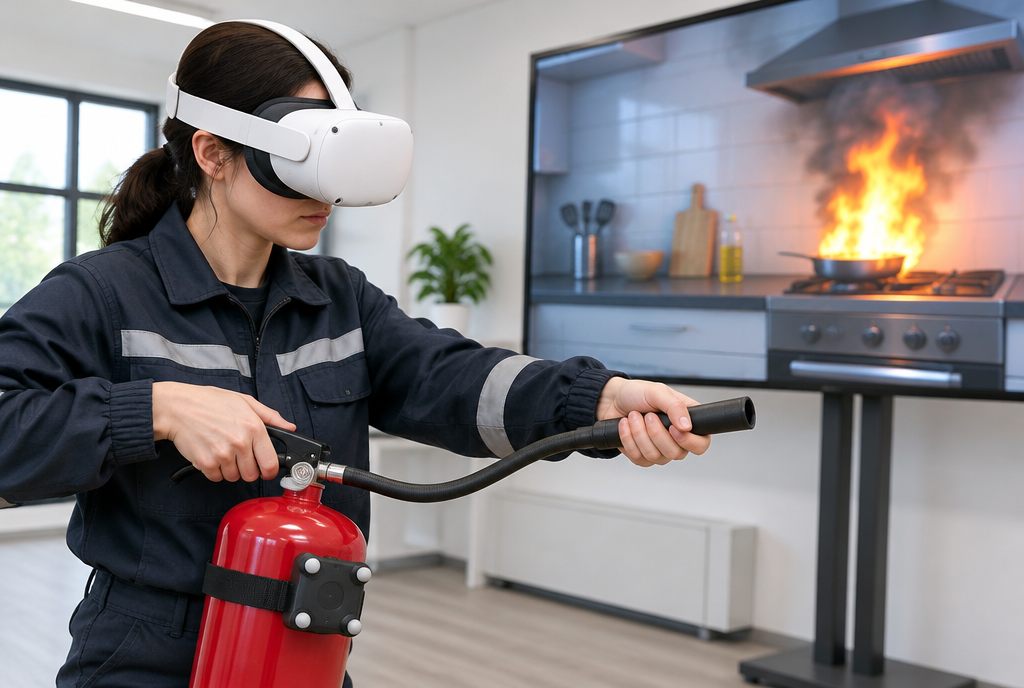
Choose by fire class, use it properly and know when to walk away.
See the example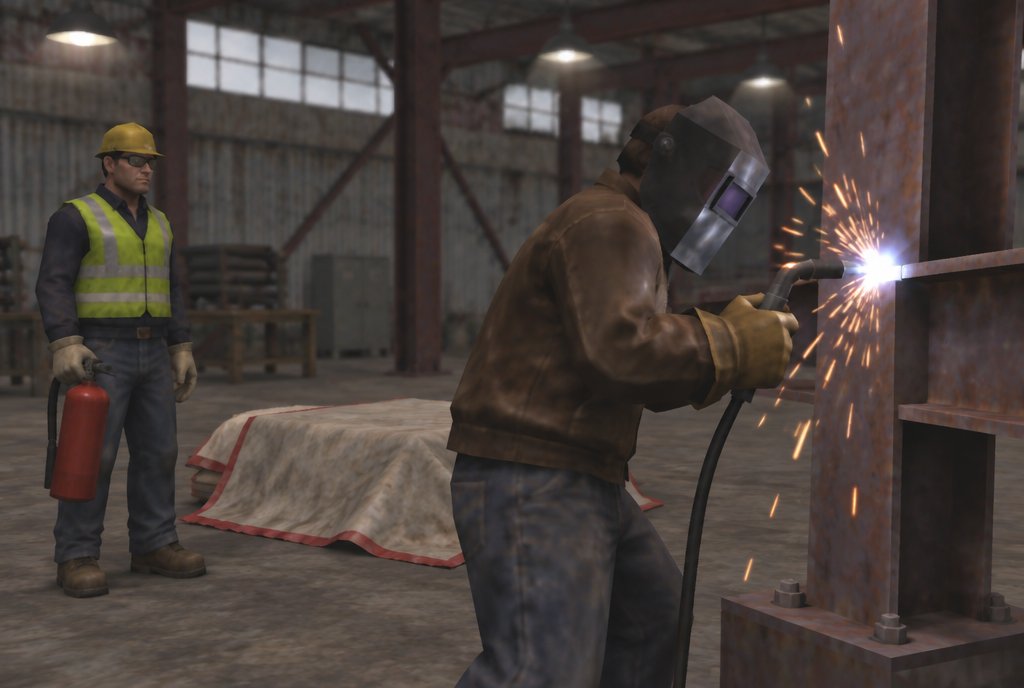
Permits, area preparation, sparks through gaps and the fire after the job.
See the exampleA first call about what your people face, then an outline of the scenarios, the format and the scoring we would build.
Start a projectFire alarm panel simulation training gives technicians and wardens a working virtual copy of their fire indicator panel, connected to a 3D model of their building. On a PC, a touch screen, in VR or beside a replica panel in mixed reality, they respond to alarms by zone, isolate devices for works, find faults and restore the system, on a panel they can't break.
Yes. We model the panel make and layout you have, with your zones and block plan.
No. Wardens and security staff learn to read and respond to the panel; technicians go further into isolation and fault-finding.
Yes. The emergency warning and intercommunication system can be included, so wardens practise the alert and evacuation tones and PA.