Key takeaways
- Start from the questions behind each visit: is it running, secure, safe, moving or full?
- 4G or 5G, low-earth-orbit satellite and LoRaWAN cover almost any Australian site.
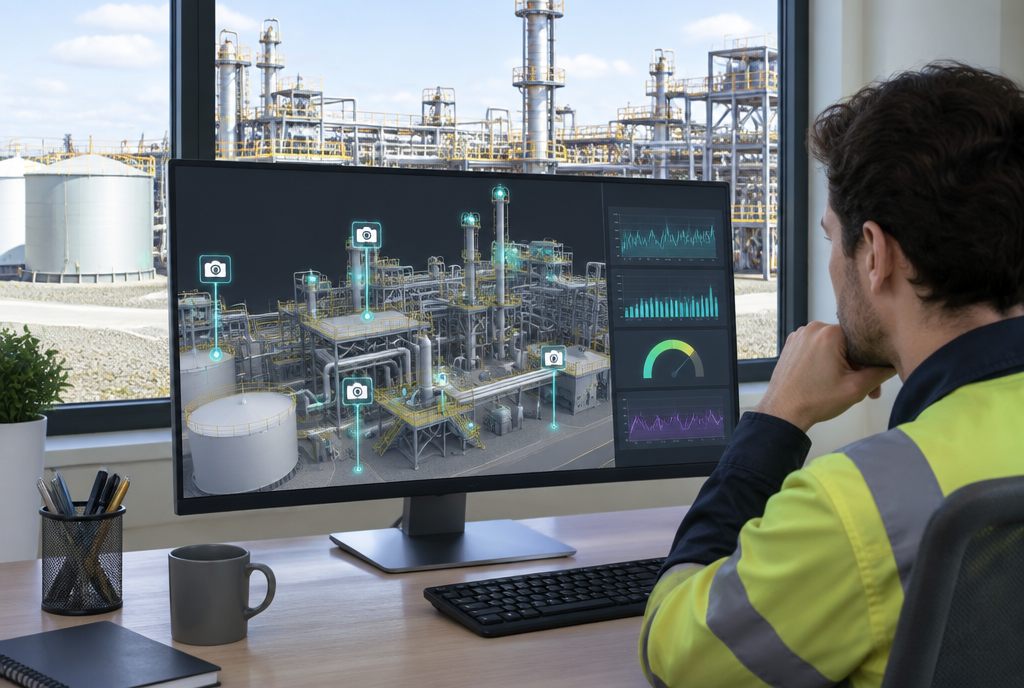
- A digital twin puts every camera and sensor in context, which turns data into decisions.
- Repairs and statutory inspections still need visits; the goal is that every trip has a purpose.
Why site visits are worth cutting
For anyone managing remote assets in Australia, a site visit can mean hours on the road for a few minutes of looking. Many visits are just to check: is the pump running, is the gate shut, has the tank level dropped, did last night's storm do any damage? Each trip costs wages, fuel and vehicle wear, and it puts someone on the road and on site, which is where many serious incidents happen.
Remote monitoring answers those questions from the office. Add a digital twin and the answers come in context, on a 3D model of the site, so people can see not just what is happening but where.
What you can monitor remotely
Start from the questions behind each visit, then pick the device that answers it.
| The question | What answers it |
|---|---|
| Is it running? | Power and current sensors, machine telemetry, run-hour counters |
| Is it secure? | Cameras, door and gate switches, motion detection |
| Is it about to fail? | Vibration, temperature and pressure sensors with trends |
| Is it safe for people? | Gas detectors, dust and noise monitors, weather stations |
| Has anything moved? | Ground movement sensors, survey prisms, repeated drone captures |
| How much is left? | Tank, dam and stockpile level sensors |
| What's the progress? | Timelapse cameras, regular drone surveys compared with the plan |
Connectivity on remote sites
Coverage is the first problem on many Australian sites. The good news is there are now options for almost anywhere.
- 4G and 5G where there's coverage, often with an external antenna to reach a distant tower.
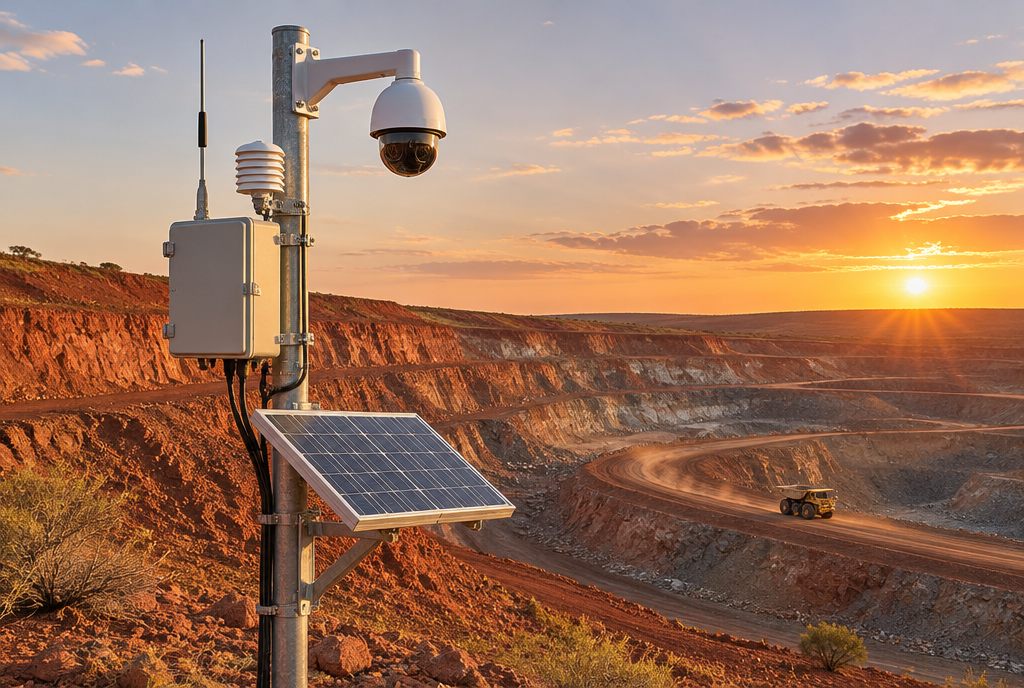
- Low-earth-orbit satellite for camera streams and backhaul where there's no mobile coverage at all.
- LoRaWAN for low-power sensors spread over kilometres, sending small readings to one gateway.
- Site Wi-Fi or a private network where infrastructure already exists.
Power is the second problem. Solar panels with batteries run most sensor nodes and cameras year-round if they're sized for winter, not summer.
Where the digital twin comes in
A dashboard full of numbers is hard to read when you have dozens of devices across a large site. A digital twin places each camera and sensor where it is on a 3D model. A high reading becomes a red marker on the right pump. A camera feed opens from the mast it's mounted on. A new drone capture can be compared with last month's to show what moved.
That context is what turns monitoring into decisions: who goes, what they take, and whether they need to go at all.
Turning data into fewer, better visits
- Set thresholds for each reading that matters, with alerts to the right person.
- Use cameras to confirm before dispatching anyone.
- Plan visits from the twin: the parts, the permits and the hazards are known before the drive.
- Review monthly: which visits were avoided, which alerts were false, which devices to add or move.
What still needs a visit
Remote monitoring doesn't remove the need for people on site. Repairs, statutory inspections, and anything a sensor or camera can't see still need a visit. The goal is that every trip has a purpose, not that trips stop.
Privacy and surveillance rules
Cameras on a workplace bring legal duties. Surveillance and workplace privacy laws differ between states and territories; in South Australia the Surveillance Devices Act 2016 applies. Tell workers what is monitored and why, keep footage secure, and get advice before pointing cameras at people rather than plant.
How to start
- List last quarter's site visits and tag the ones that were only to check.
- Pick the site with the most of those, or the longest drive.
- Install the few cameras and sensors that answer those checks.
- Put them on a simple twin of the site, from a drone survey or existing drawings.
- After three months, count the visits avoided and decide what to expand.
We build site twins with cameras, sensors and IoT this way: start small, measure the trips saved, then grow.